
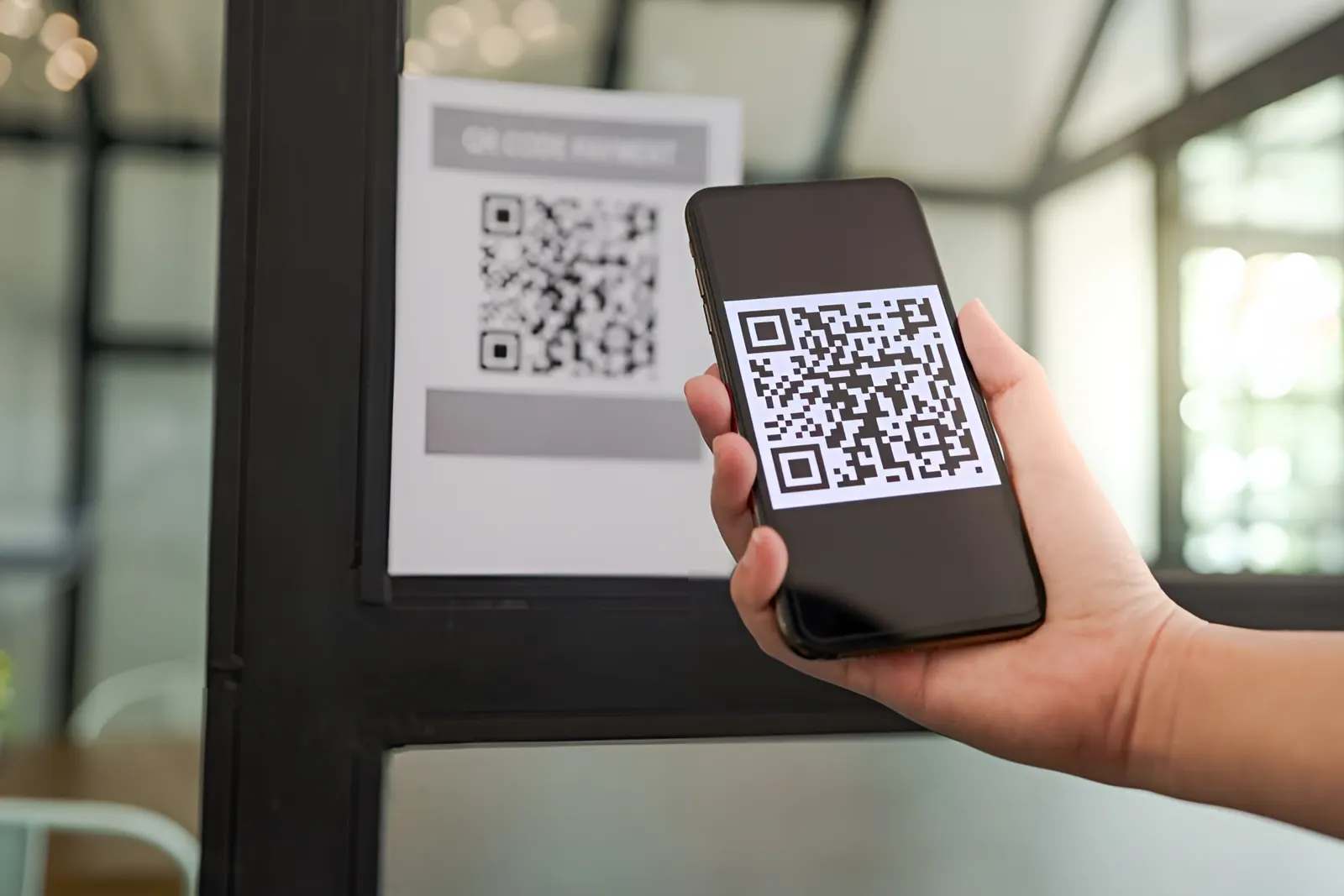
QR code scams work by sending people to a fake website, a malicious download or a payment request they didn't intend to make. You can protect yourself by checking the link preview before you open it, being careful with codes sent by email or message, and never scanning a code to "receive" money. Businesses can protect their customers by securing their QR code accounts, branding their codes and offering a typed link as an alternative.
What are QR codes?
QR (Quick Response) codes are two-dimensional barcodes that a smartphone camera can read. They took years to catch on worldwide, but today you find them on restaurant menus, billboards and posters, and on product packaging.
Are QR codes safe?
A QR code is only a container for information, usually a link. The risk lies in where that link goes. Because anyone can create a QR code with a free generator, criminals can too, and a code gives you no visible hint about its destination until you scan it.
Common QR code scams
Phishing
Phishing copies the look of a real website to trick people into entering personal details such as passwords or card numbers. Scammers can then lock you out of accounts like Netflix or make purchases with your bank account or credit card. A QR code is a convenient way to deliver a phishing link, because the address is hidden until you scan.
Malware
A code can also lead to a download that installs malware on your phone, such as ransomware (which blocks access to your device until you pay) or a trojan.
Payment scams
Some scams use QR codes to take money directly. In the OLX scam, criminals posing as buyers asked sellers to scan a QR code. In the parking ticket scam, fake tickets sent drivers to a payment site that had nothing to do with the city.
How to protect yourself from QR code scams
Think before you scan
Treat a QR code like a link in an email. Be especially careful with codes you receive by email, text message or social media. Ask whether it came from the company's official account, look for spelling mistakes and odd wording, and search for the offer online; you may find warnings from other users or from the company itself. If an offer seems too good to be true, it probably is.
In public places, check that the code isn't a sticker placed over the original, for example on a parking meter or a poster.
Preview the URL
Most phone cameras show the link before opening it. Compare it with the company's official website address. Watch for misspellings or extra words in the domain. If the code shows a shortened link, a URL expander can reveal where it really leads.
Consider a scanner app with security checks
Most people scan with the built-in camera. Some scanner apps check links for known malware before opening them. If you choose one, pick an app from an established developer and read independent reviews first instead of installing the first result in the app store.
Never scan a code to receive money or crypto
When you pay with a QR code, you scan to send money, not to receive it. If someone asks you to scan a code so they can pay you, treat it as a scam: scanning will most likely send money to them.
Be careful with personal information
Many scams lure you into a sign-up form for a prize or a cheap product. Before you fill anything in, check the URL and ask whether the information is normal for the situation. A shop doesn't need your place of birth to process an order, and a promo form shouldn't ask for security questions.
How to protect your customers from QR code scams
Customers carry most of the risk, but a business can make its real codes easier to recognise and harder to hijack.
Make your codes recognisably yours
Use your brand colours and put your logo in the middle of the code. Publish your codes on official channels: your printed ads, billboards and social media accounts.
Restrict access to your accounts
Only authorised staff should be able to log in to your QR code generator. The same applies to your website and your social media accounts. Someone who gets into your QR code account could change where your existing dynamic QR codes point.
Tell customers where your codes appear
Let customers know that your genuine codes appear on your website, official social media pages and your own printed material. Check codes at your own locations now and then for stickers placed on top of them.
Offer an alternative to scanning
Some people will never scan a code because of the risk. Give them another way in: print the short URL next to the code, keep a paper menu at hand in a restaurant, and keep accepting cash or cards for payment.
Conclusion
QR codes are not dangerous in themselves, but scammers use them to hide fake links and payment requests. Check the link before you open it, distrust codes that arrive unexpectedly and never scan a code to receive money. If you run a business, secure your accounts, brand your codes and give customers a way to reach your content without scanning.


