
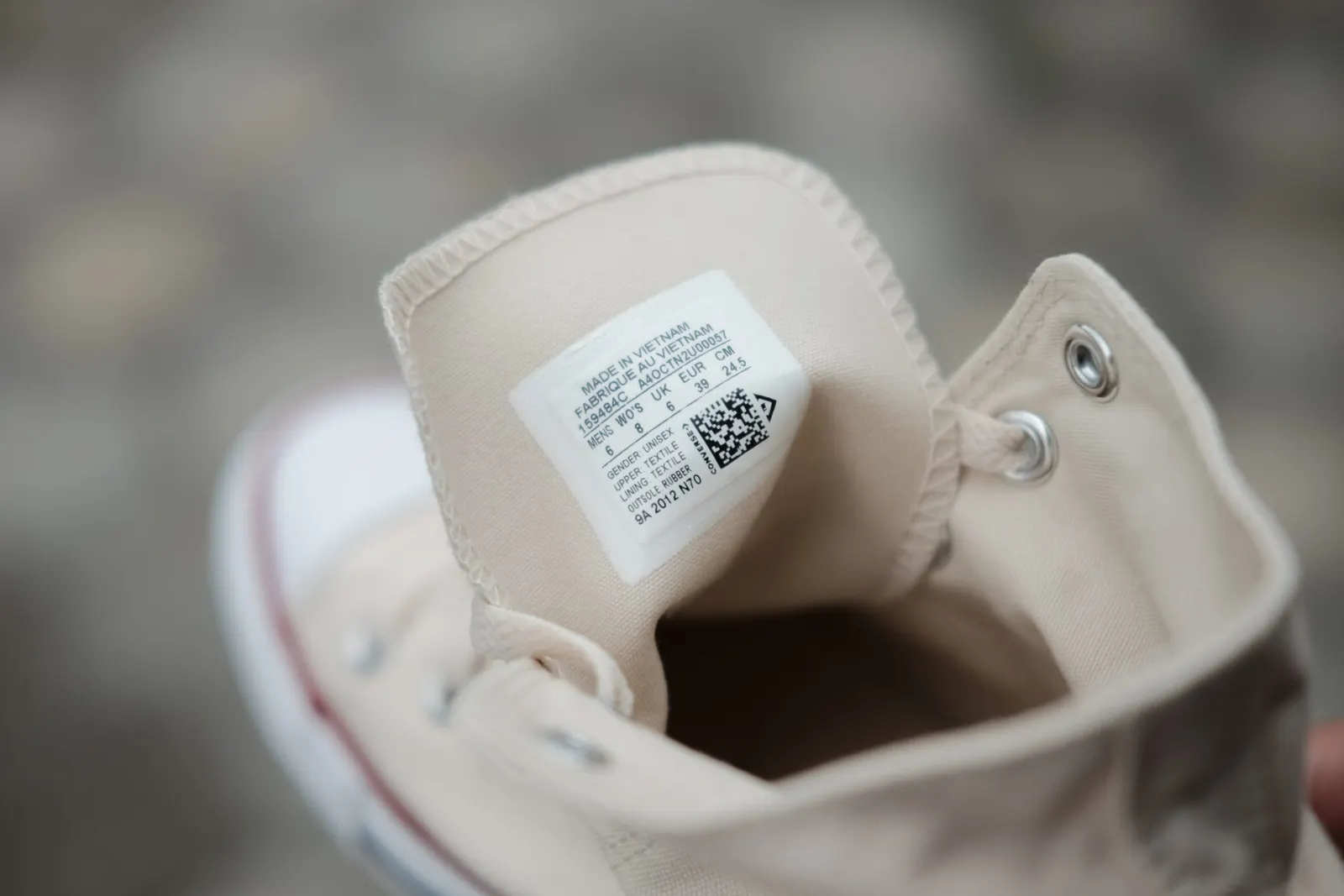
Shoe stores and brands can put QR Codes on shoe boxes, receipts, bags and ads to send customers to their online shop, a size or care guide, a discount or their app. This article covers the main uses, where to place the codes and how to create them, whether you run a sneaker shop or make shoes by hand.
QR Codes are two-dimensional barcodes that a smartphone camera or a scanner app can read. A code can open a web page, download a file, show a location on a map or start a payment. They were invented in 1994, and many businesses have added them to their marketing in recent years.
How Shoe Brands Use QR Codes
Large shoe brands use QR Codes in a few recurring ways:
-
On products and in-store displays, to send shoppers to the website and new collections.
-
In their mobile apps, to give members access to promotions and personalized recommendations.
-
On shoe boxes, to link to extra content such as behind-the-scenes videos.
-
In ads, to offer product information and special offers.
How to Use QR Codes in Your Shoe Business
Small and medium shoe businesses can borrow these ideas:
-
Drive traffic to your website. A QR Code can bring customers to your site to see new products. Give the landing page one goal, for example buying your newest release.
-
Promote your ads. A QR Code can lead people to your ad on YouTube or another social network.
-
Get app downloads. If you have an app, use a QR Code to send customers straight to it, where they can buy products, get offers and see new content.
-
Share extra content. Link to your blog, interviews with brand ambassadors, a size guide or care instructions for leather and suede.
-
Offer discounts and special promotions. Use QR Codes to hand out exclusive discounts. If you avoid discounts to protect your brand, offer free shipping or a personalized gift card with the order instead.
The best places for your QR Codes:
-
Social media posts
-
Receipts
-
Shoe boxes and paper bags
How to Create QR Codes for Shoe Stores
Here's how to create a static QR Code on QR Cloud:
-
Open the QR Code generator from your account menu.
-
Choose the type of QR Code you want to make.
-
Enter the content, such as your web address.
-
Adjust the design, for example colours and a logo.
-
Test-scan the code.
-
Download it as PNG or SVG.
For a code you can change later, create a dynamic link instead. You can point it to a new page for each campaign, so the code printed on your boxes keeps working, and you can see how often it is scanned.
To start, sign up for QR Cloud. The free plan needs no credit card and includes a 7-day trial of the Pro plan.
Conclusion
QR Codes are a cheap way for shoe businesses to connect printed boxes, receipts and ads with their online store and customer service. Start with one use, such as a code on your shoe boxes that leads to your newest collection, and use a dynamic code so the scan statistics show whether customers use it.


