
A QR code on a subway or bus ad lets commuters open your online shop and buy while they ride. Passengers often have a few idle minutes and a phone in their hand, so a code that leads straight to the advertised product turns a poster into a sales channel. This guide explains how to make the code and how to design the ad so people actually scan it.
Why shop ads on public transport work
Many people now prefer to shop online, and most commuters spend part of the ride on their phones. A 2021 survey by BigCommerce and PayPal found that American shoppers like online shopping mainly because they can shop whenever they want, find items easily and save time.
A QR code in a subway car or a bus brings your shop to the place where people already have time and a phone. Commuters often take the same route every day and see the same ads again and again. When they finally need the product, scanning the code is quicker than searching for your shop.
How to make a QR code for your online shop
You can make the code with any reliable generator. With QR Cloud:
- Sign up (the free plan needs no credit card) or log in.
- Create a new QR code.
- Give it a name that identifies the campaign, so you can find it later among your other codes.
- Choose the URL type and paste the address of your landing page.
- Optionally change the colours and add your logo.
- Test the code with more than one phone before you download and print it.
For a transport campaign, choose a dynamic QR code rather than a static one. It contains a short link, so the pattern stays simple, and you can change the landing page during the campaign without reprinting the posters. The scan statistics show you how many people scanned it, when, and from which devices.
How to design subway and bus ads with QR codes
Passengers are busy and the environment is crowded, so remove every obstacle between the ad and the purchase.
Keep the code simple to scan
A long URL creates a dense code that takes longer to read, especially from a distance or at an angle. Some people will give up. A short link, or a dynamic code, keeps the pattern simple. Print the code large enough to scan from where passengers stand or sit.
Link to a dedicated landing page
Don't send people to your homepage. Send them to the product you are advertising. If your campaign promotes five new phone cases, build a page that shows only those five instead of the full range. Customers shouldn't have to scroll through everything to find what they saw on the poster.
Make checkout quick
Shoppers often leave their carts because of unexpected costs, forced account creation, limited payment options or doubts about the site's security. Address these on the ad and in your shop. Show the price and the accepted payment methods on the poster, offer guest checkout and make sure the page loads quickly on mobile data. Ideally, a customer can finish the purchase before the next stop.
Where to place QR code ads in transport

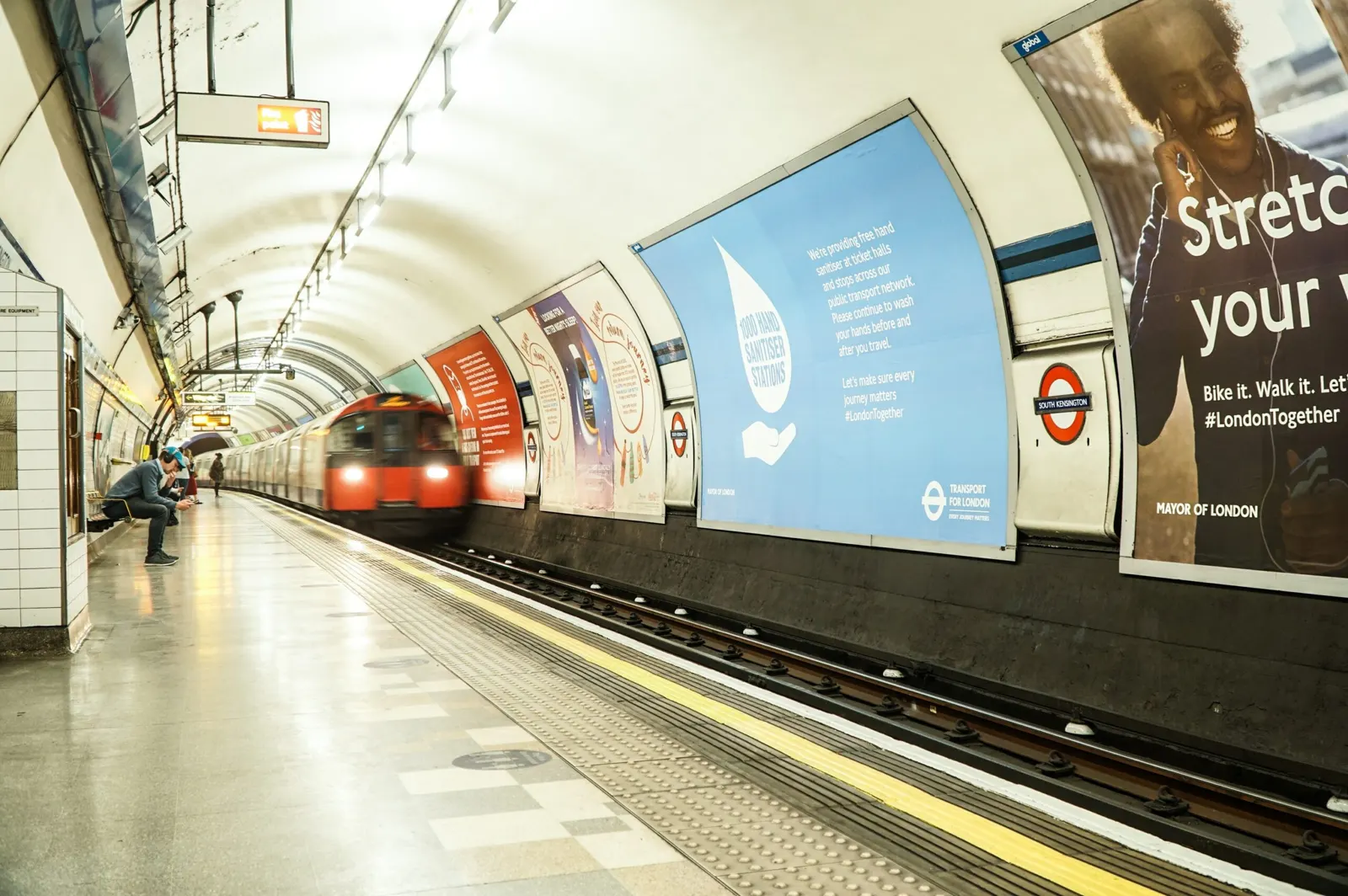
Passengers see transport ads repeatedly while they wait and travel. An advertising agency that sells transport space can advise on the best spots for your campaign.
Inside trains and buses
Place posters with your QR code on the side panels at eye level for standing passengers, or on the panels near the ceiling for seated passengers.
At train and bus stations
Stations are busy, but commuters pass through them every day. Choose spots where people stop for a moment and have time to look at an ad, such as waiting areas, platforms and the sides of escalators.
Summary
Trains and buses give you repeated contact with people who are standing or sitting with a phone in their hand. Show the product and its price clearly, link the QR code to a dedicated landing page and keep checkout short, and some of those commuters will buy before they reach their stop.


