
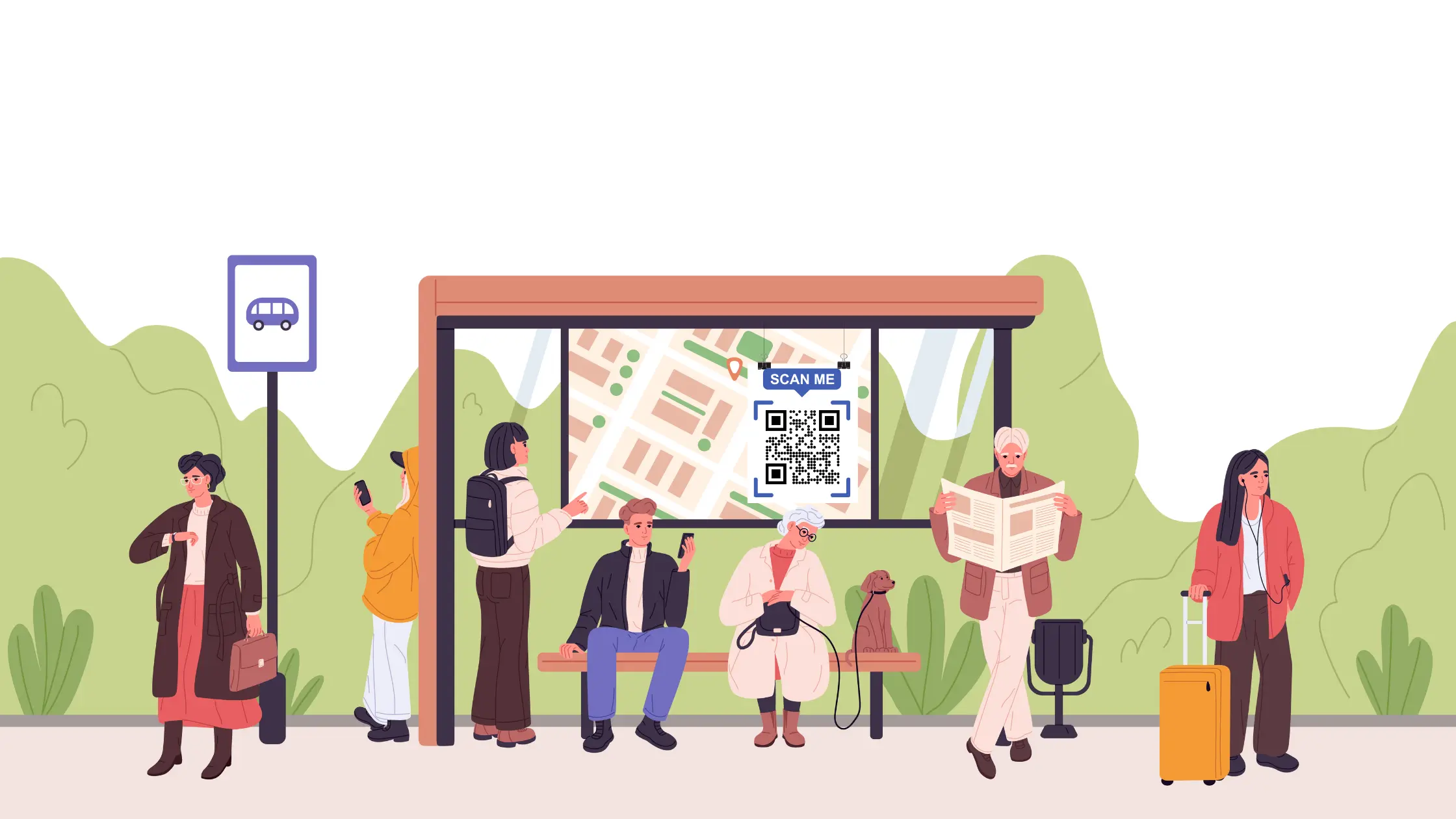
In transportation, QR codes are used for tickets, parcel tracking, vehicle sales, driver information in taxis and shuttles, and bike or scooter rentals. One scan on the passenger's or customer's phone replaces paperwork, a phone call or a search. Below are the main uses and how to create a QR code for a transport business.
QR codes on buses, stations and parking meters have become common in public transit, which also makes them a target for fake stickers. There is a safety section on that at the end.
Where QR codes came from
The QR code was developed at the Japanese company Denso Wave by engineer Masahiro Hara and released in 1994. Hara has explained that Denso's factories were moving from mass production of one product to more flexible production, and needed a barcode that could hold more information for detailed production control. A two-person team developed the code.
How QR codes are used in transportation
Shipping goods
Many online shops and carriers put QR codes or other barcodes on parcels to track orders from the warehouse to the door. Scanning at each step shows where a parcel is and helps staff check whether the right items went into it. Read more about QR codes in online shopping.
Inventory of goods
QR codes were originally made for tracking parts, so they suit inventory management. Manufacturers and sellers can label each item or pallet with a code and record its location when it is scanned.
Tickets
Bus companies, airlines and ferry operators issue tickets with QR codes that passengers show on their phone or print at home. Passengers can book online instead of queuing at a counter, and staff scan the code at boarding. These tickets come from the operator's booking system, which also checks that a ticket is valid and hasn't been used twice.
Selling vehicles
Car and bike dealers can put a QR code on the vehicle or price sign that opens a page with the specifications, the service history and a contact button, so buyers get the details without waiting for a salesperson.
Passenger safety
Taxi and shuttle operators can display a QR code inside the vehicle that opens a page with the driver's name, licence details and a contact for complaints or emergencies. Passengers can check who is driving them and know whom to call if something goes wrong.
Rentals and ride services
Bike and scooter sharing services use QR codes on each vehicle: the user opens the provider's app, scans the code and the vehicle is released for the ride. A local taxi or transfer company can put a QR code on flyers or hotel counters that opens its booking page or calls the dispatcher.
How to create a QR code for a transport business
1. Sign up for QR Cloud
Create a free account on QR Cloud (no credit card needed) or log in if you already have one.
2. Create a new QR code
Create a new QR code from your dashboard and choose the type that fits your purpose. QR Cloud offers 17 QR code types, for example:
- URL for your website, booking page, a vehicle's spec sheet or a social media profile.
- Text for short information such as a vehicle number or a reference code. Real passenger tickets should come from a ticketing system that can validate them.
- vCard for the contact details of a driver, operator or sales representative.
- Phone, SMS, email or WhatsApp so customers can reach you for bookings, questions or feedback.
Use one QR code for one purpose so customers know what happens when they scan it. For codes that stay on vehicles for a long time, choose a dynamic QR code. It contains a short link, so you can change the destination later without replacing the sticker, and you see how often it was scanned.
3. Design the code
Change the colours and add your company logo. Keep the code dark on a light background. If you reverse the colours, some scanners can't read it.
4. Test it
Scan the code with the camera app on an iPhone and an Android phone. If it doesn't open the right page, check the link and the contrast before printing.
5. Print and place it
Download the code as PNG or SVG and put it on your vehicles, tickets, flyers or shipping labels.
Keep QR codes on vehicles safe
Scammers sometimes place fake QR stickers over real ones, for example on parking meters, to send people to a fraudulent payment page. Check your codes on vehicles and stops regularly, print the address of the destination page next to the code so customers can compare, and use your own domain in the link if you can. In QR Cloud, custom domains are available on the Expert plan.


