
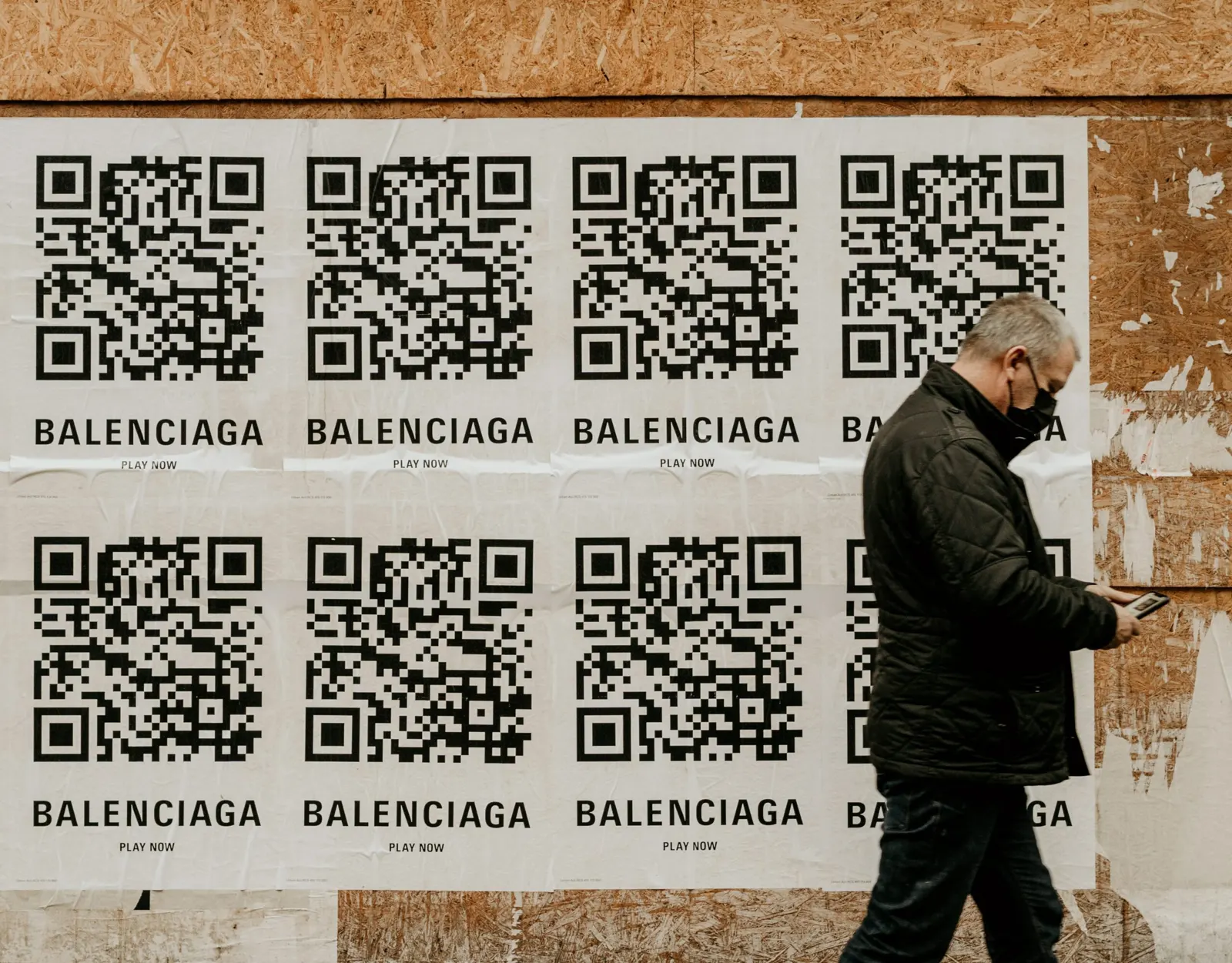
The hardest part of a print ad or billboard campaign is knowing whether it worked. A dynamic QR code solves much of that: every scan is counted, with the time, country and device, so you can see how many people acted on the ad. The code also gives readers a quick way to reach content that doesn't fit on the page.
Print is still worth measuring. Adobe's guide to print ads, citing research by Newsworks, reports that ad recall is 2.6 times higher for print than for digital ads. Without a QR code, though, you are left with indirect signals: a rise in website traffic after launch, or customers telling you where they saw the ad. Both take effort and neither is precise.
This article covers why QR codes suit print ads, which type to use, how to create one and where to find the scan statistics.
The benefits of using QR codes for print ads and billboards

They save expensive ad space
Print space costs money. Instead of squeezing every detail onto the page, put the core message in the ad and let the QR code lead to the rest: product details, prices, a store locator. The design stays clean and readers who want more can get it.
They lead straight to an action
A QR code can open a sign-up form, a booking page or an offer. It can also deliver content that print can't carry, such as a video or audio clip.
Almost anyone can scan them
Current Android phones and iPhones read QR codes with the built-in camera, so readers don't need to install anything.
They make results measurable
This is the main reason to add a QR code to print. A dynamic QR code records each scan, and the statistics show when it happened, which country the visitor was in and what device and operating system they used. You don't need to set anything up; the data is collected as people scan.
Should I use a static or dynamic QR code for print ads and billboards?
Use a dynamic QR code. A static code contains your URL directly and has no tracking. A dynamic code contains a short link that forwards scans to your page, which lets the provider count them. You can also change the destination after the ad is printed, for example if the landing page moves or the offer changes.
The trade-off is that a dynamic code depends on the provider keeping its short link active, and larger numbers of dynamic codes usually require a paid plan. Check what happens to your codes if you downgrade or cancel before you print.
How do I create a QR code for print ads and billboards?
Many websites and apps generate dynamic QR codes. Here is how it works with QR Cloud:
- Sign up or log in. The free plan includes 3 dynamic links with unlimited scans and no credit card, plus a 7-day Pro trial. Pro and Expert add more dynamic links and a longer statistics history.
- Create a new QR code and choose the URL type.
- Enter the address of the page you want readers to reach and make the code dynamic.
- Design the code with your brand colours, a frame or your logo.
- Test a printed proof. Scan it with an Android phone and an iPhone to make sure it opens the right page.
- Download it as PNG or SVG and send it to whoever handles the ad layout.
Before you put a QR code on a billboard
Newspapers, magazines, brochures and coffee cup sleeves are read up close. Billboards are often seen from the road, where drivers must not use their phones. Plan for that:
- Keep the code simple. A short link produces a less dense code that scans faster and from farther away. Dark code on a light background with strong contrast is easier to read than heavily styled designs.
- Place it where people stop. Parking lots, petrol stations, bus stops and train platforms give people time to scan safely.
- Avoid motorways and fast roads. A QR code there asks drivers to take their eyes off the road.
How can I see the scan statistics of my QR code?
Once the campaign is running, open the QR code or its dynamic link in your QR Cloud account and go to its statistics. You'll see a chart of scans over the period you select, followed by a breakdown of:
- Countries
- Referrers
- Devices
- Operating systems
Compare the numbers with your expectations. Is the code being scanned at all, and in the regions you targeted? If you run the same ad in several publications or locations, give each one its own dynamic code so you can see which placement brings the most scans. On the free plan, statistics are kept for 1 day; Pro keeps 365 days and Expert keeps the full history, which matters if you want to compare campaigns over months.
Bottom line
A QR code turns a print ad or billboard into something you can measure, and it gives readers a direct path from the page to your offer. Use a dynamic code, place it where people can scan safely, and check the statistics regularly while the campaign runs.


