
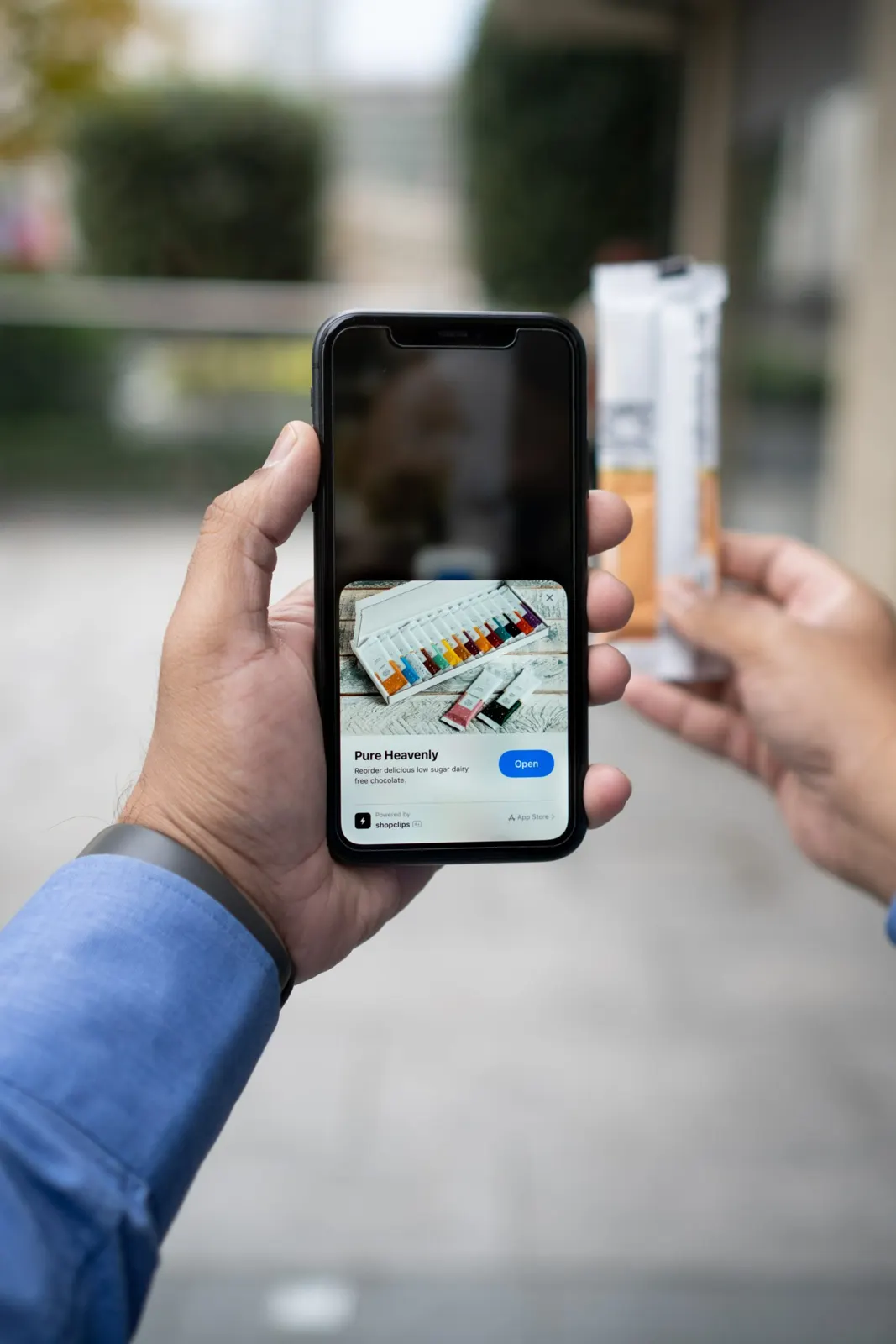
A QR code landing page is the mobile web page people see after they scan your QR code. Unlike a homepage, it is built around one action: sign up, donate, download, book or buy. You can build one without buying a domain or hosting by using a QR page builder, then print its QR code on flyers, packaging or posters.
What is a QR code landing page?
A homepage introduces your whole business and links to everything on your site. A landing page has a single goal and asks visitors to respond to one call to action (CTA). It has little or no navigation, so nothing pulls the visitor away from that goal.
People who scan a QR code are on a phone, so the page has to load quickly and read well on a small screen. Landing pages made with a QR page builder are designed for mobile from the start.
Why build your landing page with a QR page builder?
Mobile layout is one reason. Cost is the other.
Count how many campaigns you run in a year and how many of them need their own landing page. If every page needs a separate domain and hosting, those costs add up. With a QR page builder, each page lives on a short link, and you can edit the content at any time without reprinting the code.
Can you create a landing page without buying a domain?

Yes. QR Cloud lets you build mobile landing pages called QR Pages, alongside static and dynamic QR codes and short links. The free plan includes 3 QR Pages and unlimited scans, and you don't need a credit card to sign up. Pro includes 5 QR Pages and Expert includes 250.
The basic steps:
- Create a QR Page from your dashboard and choose its short URL, or keep the one generated for you.
- Set the look in the page settings: background colour or image and fonts. Save your changes.
- Add blocks for your content: headings, text, links, contact buttons, forms such as an email or phone collector, products, services, donations, an appointment calendar or a poll.
- Open the page link on your phone and check that every button and form works.
- Create the QR code for the page. Customise its colours, add your logo in the middle or a frame, and download it as PNG or SVG.
- Test the printed code with a couple of phones before you send it out.
Because the QR code points to your QR Page, you can change the page later and the printed code still works.
Customising your landing page QR code
Use enough contrast between the code and the background, leave a clear margin around it, and add a short line such as "Scan to sign up" so people know what they will get. SVG files stay sharp at any print size.
What kinds of landing pages can you make with a QR code?
Here are nine ideas.
Hire me
Send potential clients to a page about you and your services. Put your name in a heading, add your job title and a short pitch in a text block, and link to the platform where clients can book you. Label the button "Hire me" or "Work with me".
Donation drive
If your nonprofit runs a donation drive, a QR code can lead people to every way they can give. Explain what the money pays for in a few sentences, then add a donation block or a button for each donation channel.
Free webinar
If you sell a course and use a free webinar to attract students, link the recording or the registration page and make it the main button.
Downloadable file
A printable budget tracker, an ebook PDF or a restaurant menu can sit behind a link on the page so visitors can open or download it.
Newsletter sign-up
Add an email collector block so visitors can join your list without leaving the page.
Podcast
Link each platform where your show is available, with the newest episode at the top.
Music release
If you are a musician promoting a new song or album, link to it on the streaming services your listeners use.
Social links and link in bio
Collect your social profiles, CV, portfolio, online shop and review pages on one page. The same page can serve as the link in your social media bio and as the target of a printed QR code.
Portfolio page
Show a few of your best images and link to your full portfolio or marketplace profile.
What makes a good landing page?
One focus
Your homepage works like a shop window. Visitors can browse products, read your history and look up ways to contact you. A landing page leaves out anything unrelated to the current campaign, so the visitor has one clear thing to do.
A clear call to action
Decide what you want visitors to do: sign up for your newsletter, buy your course or donate to your cause. Make that the most visible button on the page and describe exactly what happens when they tap it.
Minimal navigation
A homepage links to other pages on your website. A landing page has few or no such links, because each one is a way out. You can use your homepage as a landing page, but its menus give visitors other options.
Short forms
People who scan a code are on their phones and won't type much. Ask only for what you need, such as an email address or a phone number. Long forms make people give up.
Summary
A QR code landing page gives people who scan your code one clear thing to do on a page built for their phone. Build it with QR Pages, keep the form short and make the CTA obvious. You can update the page at any time without reprinting the QR code.


