
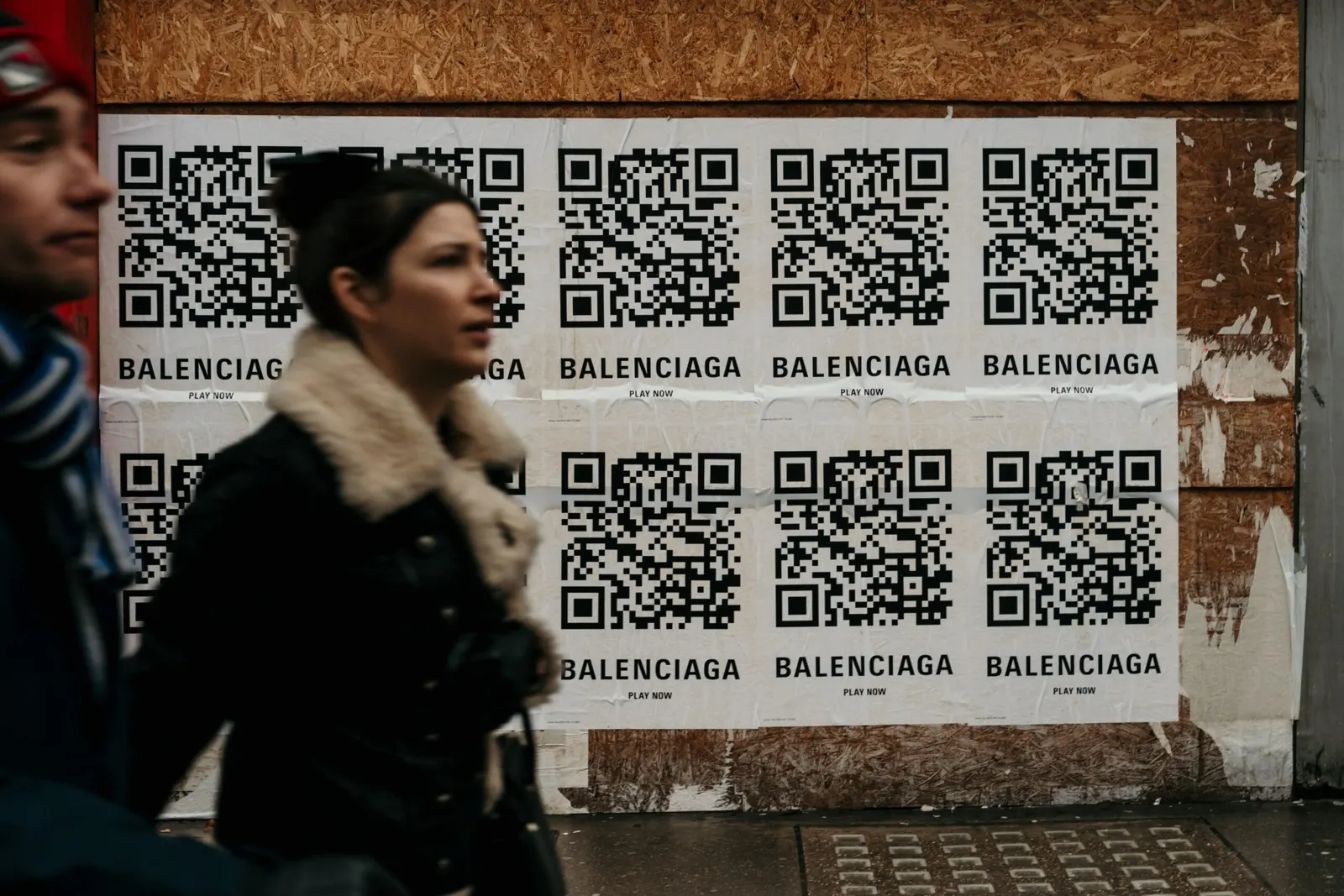
Clothing stores can use QR codes on price tags for inventory and checkout, on shelves to show material and size details, at the till for contactless payment, and on receipts or packaging to bring customers to your social media, online shop or customer service. This guide covers each use and shows how to make a QR code for your store's Facebook page.
What are QR codes?
QR (Quick Response) codes are two-dimensional codes that Denso Wave developed in Japan in 1994. They were designed to replace standard barcodes, which could no longer hold enough data for tracking automotive parts.
A QR code fits a lot of data into a small square. It can store numbers, letters, binary data and Japanese characters (kanji, hiragana and katakana). Scanners read it horizontally and vertically, while a standard barcode is read in one direction only. Error correction lets a QR code still scan when part of it is dirty or damaged.
QR code models
The original QR code (Model 1) holds up to 1,167 digits, far more than a UPC barcode with its 12 digits. Model 2, the version people mean today, holds up to 7,089 digits.
There are other variants for special uses. Micro QR is the smallest and holds only a short string, such as a serial number on packaging. SQRC looks like a regular QR code but includes a protected section that only authorised readers can decode, which suits confidential data. rMQR is rectangular and fits on narrow surfaces. Frame QR has an open area in the middle that can hold an image, which is useful for promotions.
How to use QR codes in a clothing store
The simplest use is to replace the barcodes on your tags, so staff can scan them for inventory and at checkout. Here are other ways to use QR codes in retail:
Show product details
Place QR codes on display shelves that link to the material, available sizes and sustainability information such as fair trade or recycled fabric. Tags can stay small, and customers scan the shelf code to read more.
Accept payments
QR codes are widely used for cashless, contactless payments: the customer scans your code and sends the payment to your account.
Some countries use a unified QR payment standard, so one code works across many banks and wallets. In the Philippines, for example, QR Ph lets customers pay from different bank and e-money accounts with the same code, so they don't have to switch between payment apps.
Grow your social media following
If your store is on social media, print a QR code that links to your profile on receipts, bags or packaging. Customers can follow you with one scan instead of searching for your account.
How to create a URL QR code on QR Cloud
- Copy the URL of your Facebook page.
- In the QR code generator, choose the URL type.
- Paste the URL into the URL field.
- Customise the design: colours, a dotted pattern, or your logo in the middle so customers recognise the code as yours.
- Scan the code with your phone to check it works.
- Download it and add it to your packaging or other printed material, with a frame and a call to action such as "Follow us".
The same steps work for a link to your online shop, your app or a customer feedback form. If you choose a dynamic code, you can change the link later without reprinting, and see how often the code is scanned.
Make customer service easy to reach
A QR code can open a WhatsApp chat, a pre-filled SMS or your phone number, so customers can ask about sizes, exchanges or orders without searching for your contact details.
Bottom line
In a clothing store, QR codes can help with inventory, product information, payments, social media and customer service. Start with one or two uses that save your staff or customers time. With QR Cloud you can create static and dynamic QR codes in your brand colours, edit dynamic codes after printing and see their scan statistics. The free plan needs no credit card and includes a 7-day Pro trial.


