
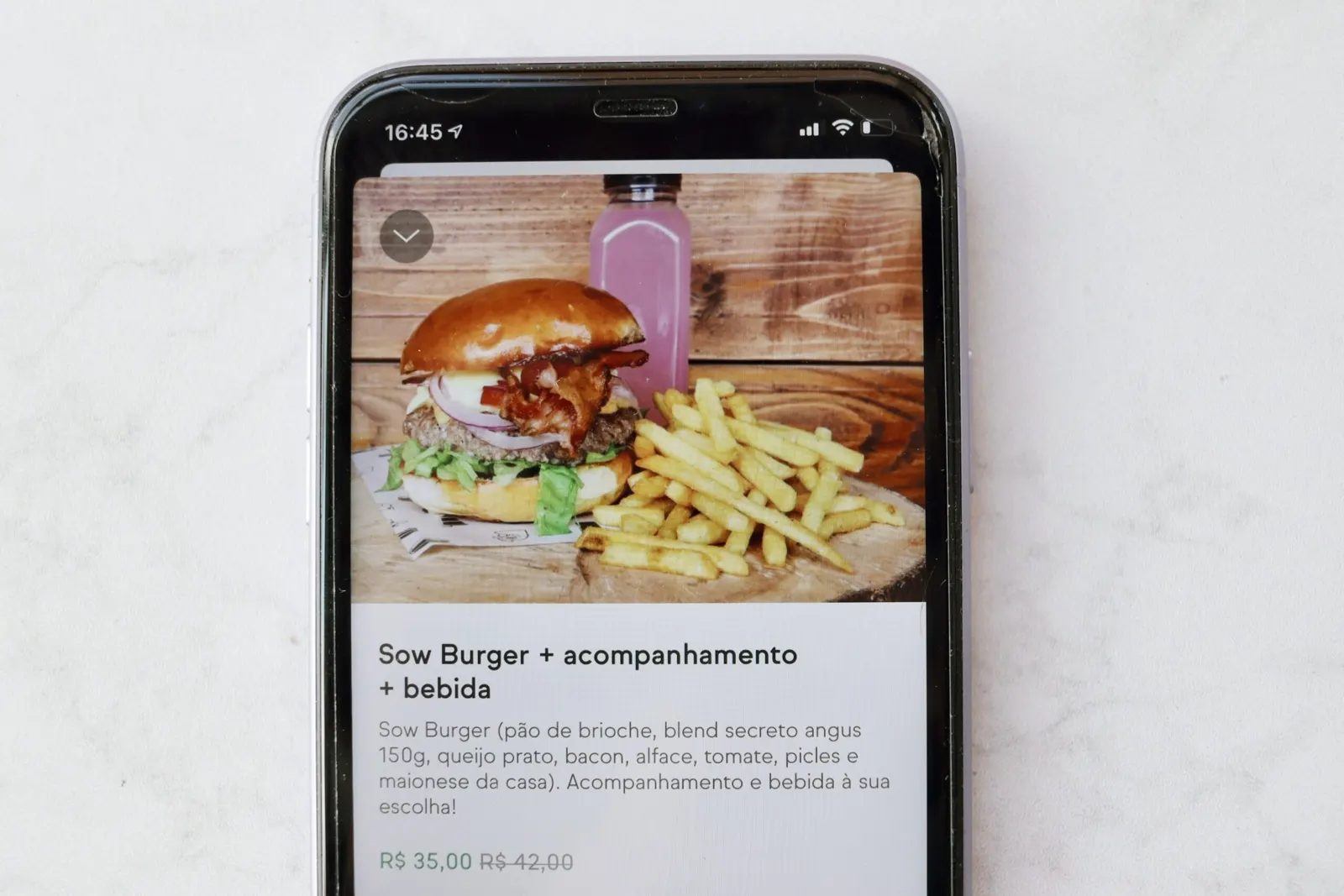
Food delivery businesses can put QR codes on bags, boxes, receipts and flyers to get customers to download their ordering app, leave feedback, pay or tip without cash, and open recipe cards for meal kits. This article covers each use and how to create static and dynamic QR codes in QR Cloud.
What are QR Codes?
QR codes are two-dimensional barcodes that store data such as text, a web address or Wi-Fi login details in a small square. When scanned, a QR code can open a website, show a message or connect a phone to a Wi-Fi network.
Most modern smartphones scan QR codes with the built-in camera.
Uses of QR Codes for Food Delivery Service
Restaurants and bars use QR codes on tables and menus. A delivery-only business has no dining room, but its packaging reaches every customer. Print the codes on your paper bags, boxes or receipts.

Mobile app download
Some food businesses have their own app where customers order, contact support and find the business's social media pages.
If you have one, a QR code can send customers straight to the right download page for Google Play or the App Store, so they don't have to search for your app.
Customer feedback
A QR code on the receipt or bag is an easy way to ask how the meal was. You learn what to improve, and good reviews on sites like Tripadvisor or Google help new customers find you.
Payments and Tips
Many customers prefer to pay and tip without cash. Show a payment QR code at handover, and they can pay from their phone through online banking or another digital payment service.
Recipe PDFs
If you deliver meal kits rather than cooked food, you probably include recipe cards, and paper cards get lost or stained in the kitchen. A QR code can open the recipe as a PDF. A text QR code is another option: the recipe text is stored in the code itself, so it can be read without an internet connection.

How to Create QR Codes for Food Delivery Services
Many QR code generators are available. Here's how to create codes in QR Cloud.
To make static (permanent, uneditable) QR Codes:
-
Open the QR code generator from your dashboard or user menu.
-
Type a name for your QR code.
-
Choose one of the 17 QR code types from the dropdown menu, such as URL, text or WiFi.
-
Enter the information the chosen type asks for.
-
Optionally, customise the design: colours, pattern, frame and your logo in the middle.
-
Test-scan the code to check that it works as intended.
-
Save it and download it as PNG or SVG.
To create dynamic (editable and trackable) QR Codes:
A dynamic QR code contains a short link that forwards to your destination. You can change the destination at any time, and every scan is counted. QR Cloud's free plan includes 3 dynamic links, with unlimited scans on every plan.
-
Click the “Create Link” button and choose Dynamic Link.
-
In the first box, enter the destination URL the QR code should open.
-
In the second box, enter a short URL. This stays the same and is what the QR code contains.
-
Create the link, then follow the steps for a static QR code above, using the short URL as the URL.
-
To send scans somewhere else later, open the link's settings and change the destination URL. Leave the short URL as it is, or the printed codes stop working.
QR Pages and File Links follow similar steps.
You can try it on the free plan without a credit card. It includes a 7-day trial of the Pro plan.


