
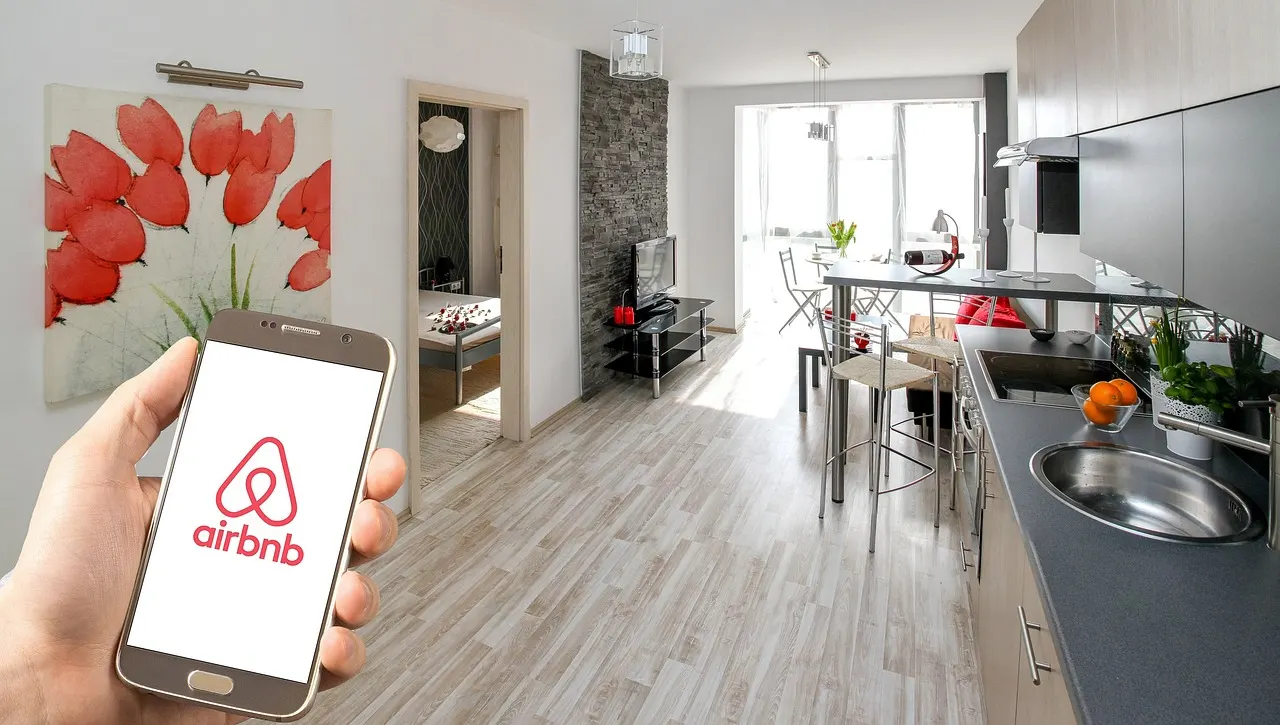
QR codes in an Airbnb or other holiday rental give guests what they need without a call or message to the host: the location on a map, the Wi-Fi password, house information, a way to report problems and a link to leave a review. You print the codes once, put them where guests will look, and guests scan them with their phone camera.
What Are QR Codes?
QR codes are two-dimensional barcodes that a phone camera can read. They were first developed to track car parts in production and are now used for everything from menus to tickets.
There are two kinds:
- Static QR codes store their content directly. They're free to make with any generator and never expire, but you can't change them. If your Wi-Fi password changes, you need a new code.
- Dynamic QR codes store a short link that forwards to your content. You can change the destination at any time without reprinting the code, and you can see how often it was scanned. Many generators charge for them. QR Cloud's free plan includes 3 dynamic links.
QR codes can hold a web link, Wi-Fi login, phone number, SMS, location and much more, which makes them useful for hosts.
Why Use QR Codes in Your Airbnb?
Low cost
Static codes are free, and dynamic codes are available on free or low-cost plans. One small code can replace pages of printed information.
No technical skills needed
You enter the information in a generator and it creates the code. No coding required.
Guests can scan with their own phone
Most current smartphones read QR codes with the built-in camera, so guests don't need to install anything.

How to Use QR Codes in Your Airbnb
Show the property on a map
Create a location QR code with the exact coordinates of your property. Guests scan it and their maps app shows the place and gives directions. Put it in your booking confirmation or welcome email as well as on any printed material.
Wi-Fi
A Wi-Fi QR code connects guests to your network without searching for it or typing the password. Our earlier article explains two ways to create one. If you change the password between stays, remember to replace the code.
Doorbell for deliveries
If guests order food, a QR Bell at the entrance lets the delivery person scan a code to tell guests they've arrived, and guests can reply with instructions.
Maintenance requests
Guests need a simple way to reach you when something breaks. Post a QR code that calls your phone number or opens a chat in WhatsApp. Or create a QR Page where guests choose how to contact you and find answers to common questions, such as how the heating or the coffee machine works.
Reviews and ratings
Reviews matter a lot for holiday rentals. Put a QR code in the guest book or by the door that opens your listing or your Google Business Profile, with a short note asking guests to share their experience.
Promotions and discounts
Leave a card with a QR code for a returning-guest discount if you also take direct bookings. It gives guests a reason to book with you again.
How to Create QR Codes for Your Airbnb
All you need is a computer or phone, an internet connection and a QR code generator. In QR Cloud:
- Create a new QR code and give it a name.
- Choose the type, for example Wi-Fi, location or URL.
- Enter the details.
- Customize the design if you like.
- Test-scan the code.
- Save and download it.
Static codes can't be edited. If something changes, you need to create and print a new one. For content that may change, such as a house guide or a contact page, use a dynamic code. QR Cloud's free plan needs no credit card and includes a 7-day trial of the Pro plan.
Conclusion
QR codes are cheap, easy to make and work with your guests' own phones. A few well-placed codes for the location, Wi-Fi, contact and reviews cover most of the questions guests would otherwise message you about. More ideas are in this guide for vacation rental hosts.


