
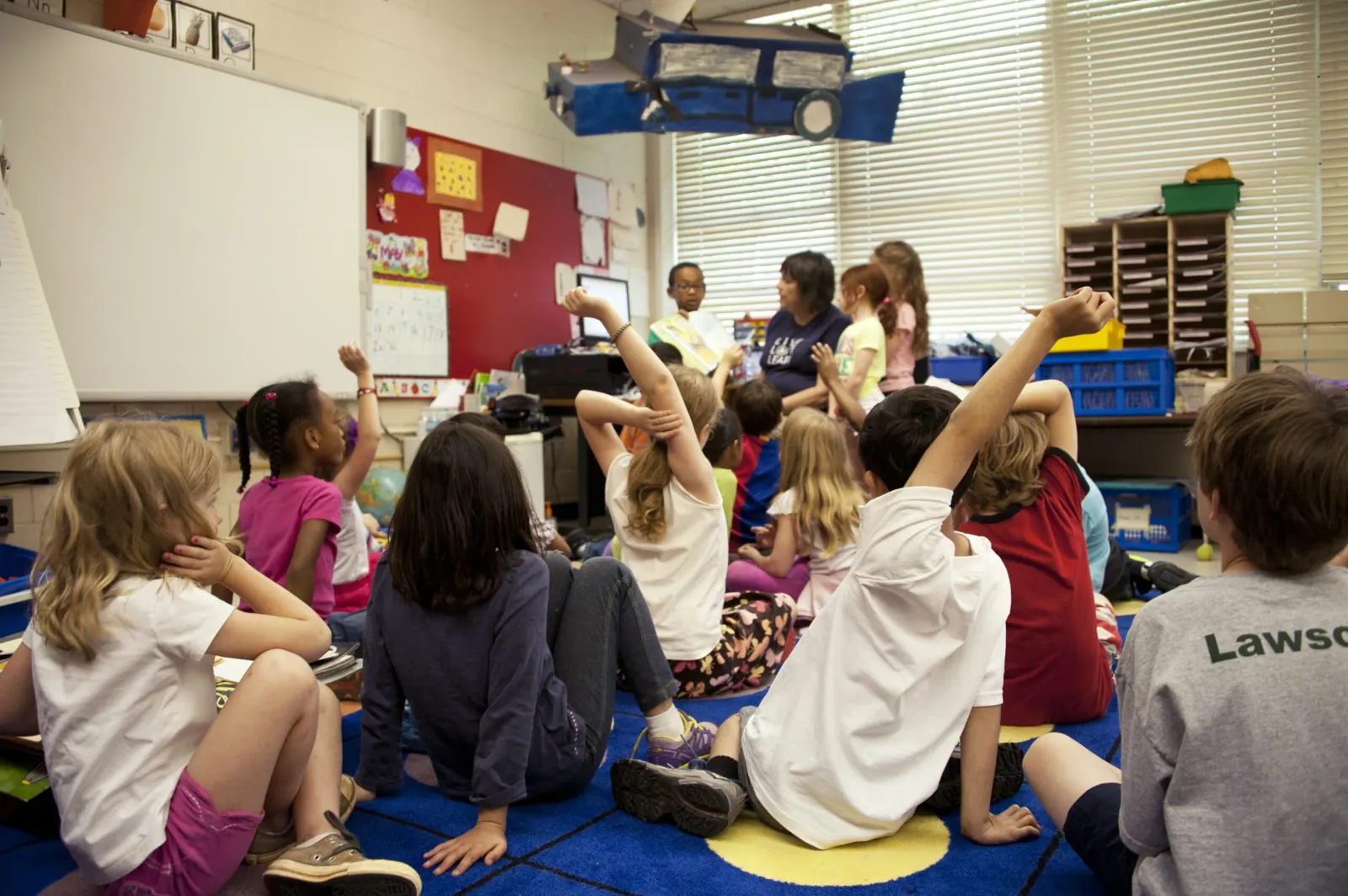
Daycare centres and playgrounds can use QR codes for check-in and attendance, for sharing audiobooks and story videos with parents, for scavenger hunts and for keeping track of toys and equipment. None of these require children to have their own phones: most of the scanning is done by staff and parents.
Play, physical activity and time with other children all support a child's development. The ideas below are meant to support that, not to add screen time.
Benefits of QR codes in daycare and playgrounds
Less shared paper and fewer pens
QR codes became popular during the COVID-19 pandemic because they let people check in, pay and share information without touching shared objects. In places full of young children, whose immune systems are still developing, replacing a shared sign-in sheet and pen with a scan reduces one more point of contact.
Children see how the technology is used
Even when children don't scan the codes themselves, they see adults using them around the centre or playground. A supervised activity such as a scavenger hunt is a simple way to show them what a QR code does.
Limitations
Screen time
Many parents want to limit their children's screen time and choose screen-free play facilities. In that case, keep QR codes for adult tasks such as attendance tracking (with a barcode scanner) and inventory.
Children don't have their own devices
Young children don't usually have phones or tablets, so activities can't depend on them scanning. Plan QR codes for parents and staff, or for supervised group activities with a staff device.
Internet access
Codes that open a web page need a mobile data or Wi-Fi connection. Text QR codes, which contain the content itself, work offline.
How educators and caregivers can use QR codes
Attendance tracking
Instead of writing names in a logbook, each child gets a QR code ID that staff scan at drop-off and pick-up. The scan can feed a simple attendance list you set up in Google Sheets or the check-in feature of your childcare software. This is faster than a paper list and means parents don't share pens.
Keep the code itself free of personal data: it should hold an ID number, not the child's name, address or health details.
Audiobooks and story videos for home
Want to share an audiobook or a storytelling video with parents each week? Create one dynamic QR code, print it on a card or the noticeboard, and change the video it opens every week. Parents keep the same card, and the code always opens the latest story.
To set it up with QR Cloud:
- Log in to your QR Cloud account (the free plan includes 3 dynamic links and needs no credit card).
- Create a dynamic link and enter the URL of the first audiobook or video.
- Create a QR code for that link, download it and print it.
- Each week, open the link in your dashboard, replace the destination URL with the new story and save. The printed code stays the same.
If you later downgrade or cancel a paid plan, dynamic codes above the free limits are paused, not deleted, and can be reactivated. Static codes keep working regardless.
QR codes for scavenger hunts
A QR code scavenger hunt works well for a family day and lets children learn how the codes work by playing. Use static text QR codes for the clues; they work without an internet connection. Our scavenger hunt article explains the set-up in detail.
QR codes for asset management
If you are responsible for toys and equipment in a daycare centre or play facility, put a QR code on each item. A scan shows what it is and where it belongs, which makes stocktaking faster. The linked article covers inventory with QR codes step by step.
Summary
In daycare and playgrounds, QR codes are mostly a tool for adults: faster check-in, a weekly story for parents, easier inventory, plus a scavenger hunt now and then where children can join in. Keep personal data out of the codes and keep screen time for children low.


