
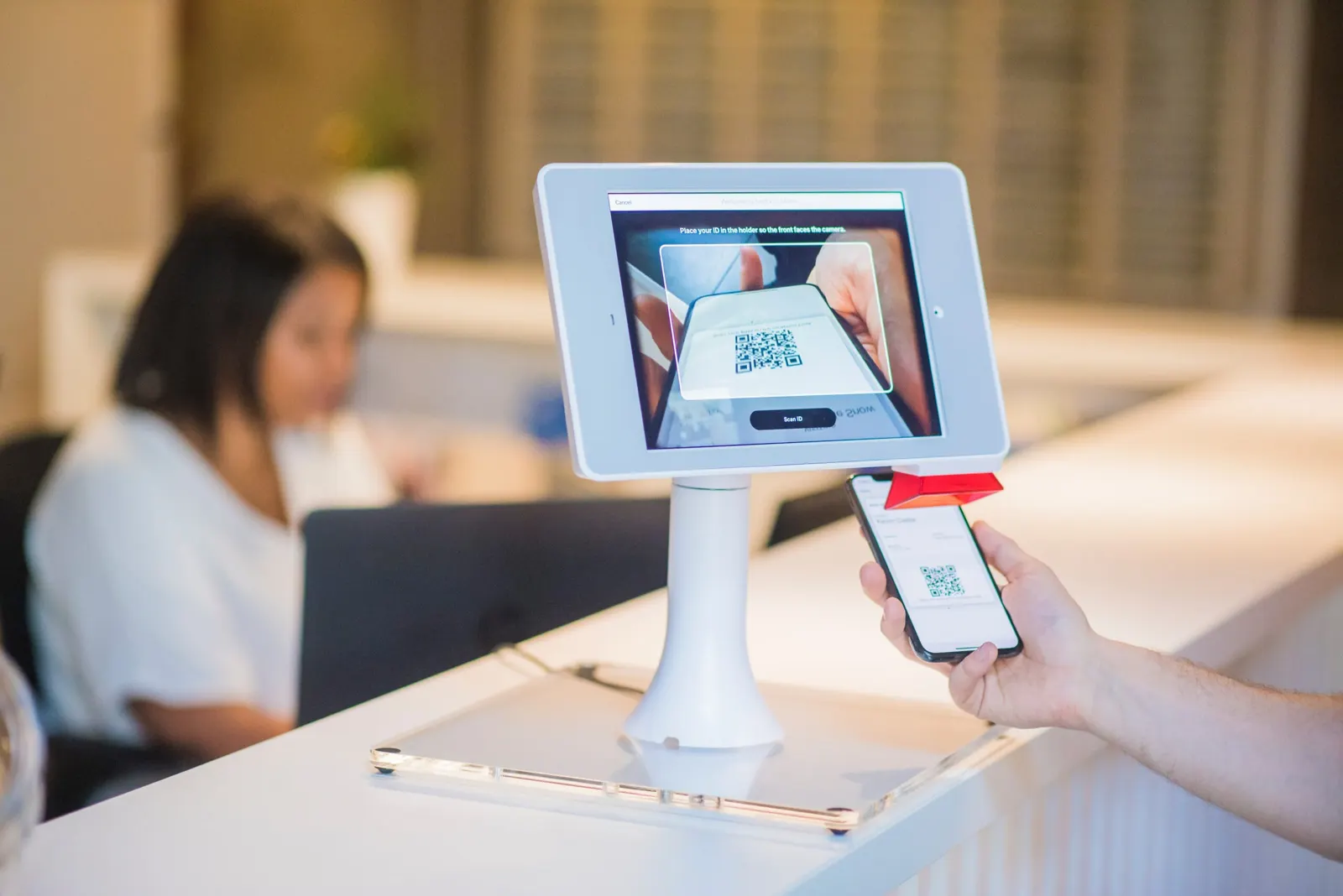
Hotels use QR codes to connect guests to the Wi-Fi, explain room equipment, show the room service menu, hand out restaurant discounts, take payments and collect reviews. Guests scan with their phone camera, so each code saves a call or a trip to the front desk. Here is how each use works.
How to use QR codes in hotels
Wi-Fi access
Many guests look for the Wi-Fi access as soon as they enter the room. A Wi-Fi QR code connects their phone to the network without typing the password. You no longer need printed password slips, and staff don't have to enter passwords on guests' phones. The linked article explains two ways to set it up step by step.
Video guides for room equipment
If your rooms have equipment guests may not know, link a QR code to short video guides or written instructions. How do I set the code on the safe? How does the heating work? How do I start the jacuzzi? A short video answers these questions faster than a phone call.
You can choose suitable YouTube tutorials that already exist. Videos recorded for your own rooms and equipment are better, because they match exactly what the guest sees.
When guests can solve these questions themselves, they call the front desk less often, and staff have more time for urgent requests.
Room service menu
QR code menus are common in restaurants, and they work for room service too. Create a QR code menu that opens your website, an ordering page or a PDF of the printed menu.
Some guests still prefer paper, so keep a printed menu in the room as well.
Restaurant discounts
Place a dynamic QR code outside the restaurant or bar that opens a discount coupon or code for hotel guests. It gives them a reason to eat in-house.
Make the offer worth the scan. A discount that anyone can get at any time disappoints guests. With a dynamic QR code from a service such as QR Cloud, you can change the offer behind the same printed code, for example a weekday lunch deal one week and a happy hour the next.
Website traffic
Most hotels have a website, and smaller ones at least have social media pages. QR codes in the lobby or the room can lead guests to them, where they learn about the hotel's history, facilities, shops and restaurants.
Payments
Many guests are used to paying with their phone. Set up accounts with the payment services your guests use most and link to them with a QR code.
For bank transfers, a text QR code can contain your account number. Many banking apps have a built-in QR scanner, so guests don't have to type the number and are less likely to send money to the wrong account. If your hotel accepts cryptocurrency, the same works for a wallet address.
Guest reviews
Good service and good reviews help new guests find your hotel. Ask guests to share their experience with a QR code that opens your review page, printed on the receipt or a thank-you card at check-out.
QR Cloud's QR Reviews open a short star-rating page. Guests who give four or five stars go straight to your Google or Tripadvisor review form, and guests who are less happy can send you private feedback by email. Every guest can still choose to leave a public review.
Creating hotel QR codes with QR Cloud
With QR Cloud you can create QR codes in your hotel's colours and with your logo, and you see a preview while you design. Dynamic codes contain a short link, so you can change what they open after printing and see scan statistics for each one.
The free plan needs no credit card and includes a 7-day trial of the Pro plan.


