
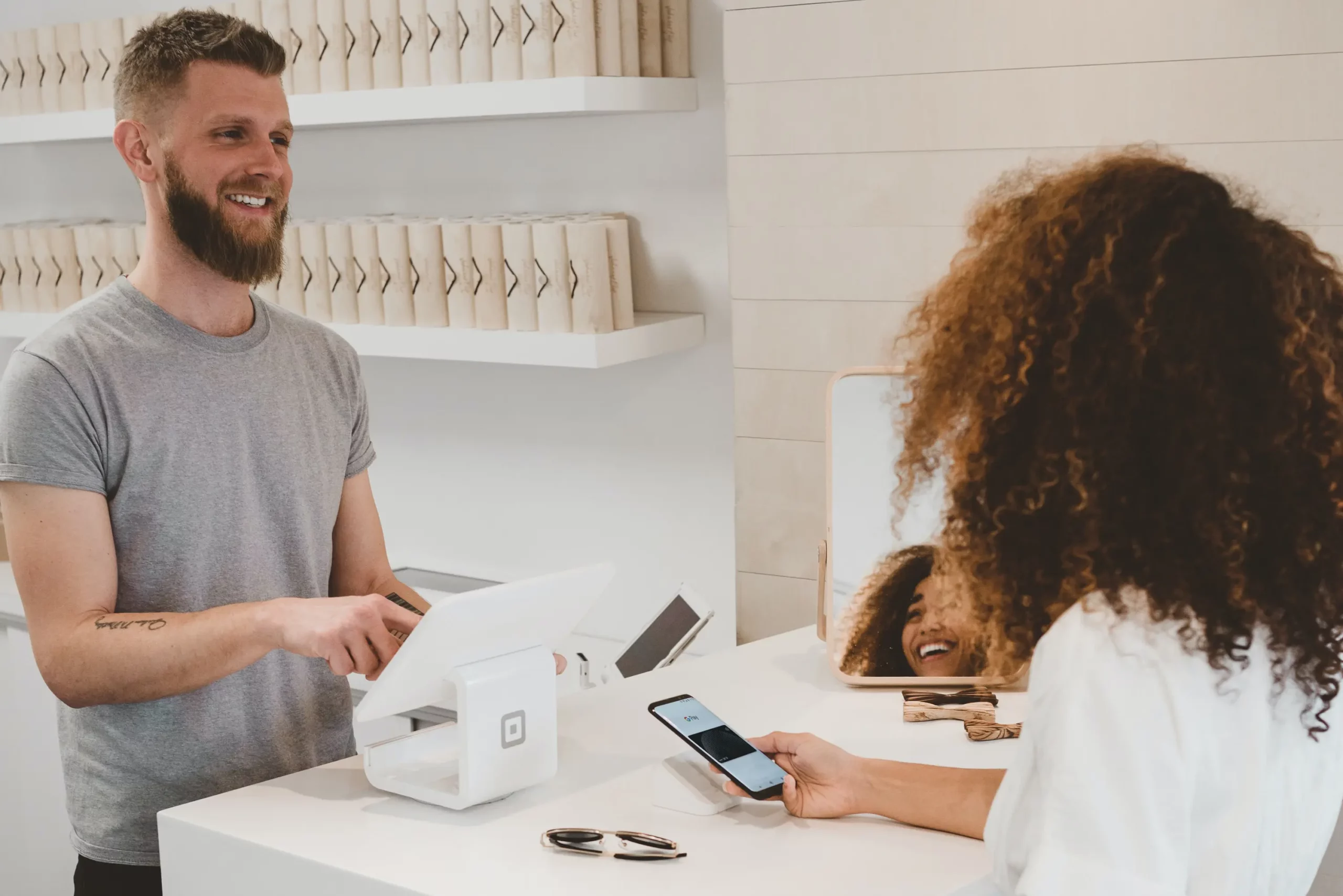
A QR code lets customers contact you in one scan instead of searching for your number or typing your email address. Depending on the type, scanning it starts a phone call, opens a pre-filled text message or email, or starts a WhatsApp or FaceTime conversation. Here are five types of customer service QR codes for small businesses and how to set them up.
Why use QR codes for customer service
Customers who can reach you easily are more likely to stay customers. Almost everyone carries a phone, so a code that opens your hotline or inbox directly removes most of the effort from getting in touch.
Customers find your contact details faster
Finding a company's contact details can be a chore, especially for local businesses or companies that don't rank well on Google. A QR code on your receipt or packaging takes customers straight to the right number or address, so they know they're reaching the right place.
Fewer typos, fewer lost messages
It's frustrating to wait for a reply, only to discover you mistyped one digit of the number or one letter of the email address. With a phone, SMS, email or messaging QR code, the customer doesn't type your details at all, so their message actually reaches you.
How to create QR codes for customer service
Many tools can create these codes. With QR Cloud the steps are the same for each type:
- Log in to your account (the free plan needs no credit card).
- Create a new QR code and select the type.
- Fill in the fields for that type.
- Optionally change the colours, pattern or frame, or add your logo.
- Scan the code yourself to check that it works.
- Download it as PNG or SVG and print it.
Here's what each type needs.
Phone
A phone QR code contains your phone number. Enter it in international format, with + and the country code, so it works for callers from abroad. When scanned, the phone shows the number and calls it with one tap.
SMS
An SMS QR code opens a text message to your hotline. You enter the phone number and, optionally, a pre-filled message, for example a short template for enquiries or complaints that the customer completes before sending.
An email QR code opens a new email with your address already filled in. You can also add a pre-filled subject, which makes incoming requests easier to sort, and a pre-filled message.
WhatsApp is a free messaging and video calling app, a good fit if you prefer to handle requests in writing. A WhatsApp QR code needs your phone number and, optionally, a pre-filled message.
FaceTime
FaceTime is Apple's voice and video calling service and runs on iPhones, iPads and Macs. Some QR code generators offer a FaceTime type, which needs either a phone number or the email address linked to your Apple account. Keep in mind that only customers with Apple devices can use it, so offer a phone or WhatsApp code as well.
Where to place customer service QR codes
Some ideas:
- On your receipts
- On your packaging
- Outside your shop
- On your "Closed" sign, so customers can still reach you
- On social media graphics and printed promotional material
Add a short call to action next to the code, such as "Scan to call us" or "Scan to message us on WhatsApp". Print the phone number or email address next to it as well, for customers whose phones don't scan QR codes or who prefer to type.
Which businesses benefit most?
These five types are most useful for small local businesses with a shop or office, where customers often need a quick way to ask a question, book or complain.
Public services can use them too, especially 24/7 emergency services such as police, fire brigades and rescue teams.
Bottom line
Good customer service builds lasting relationships, and that starts with being easy to reach. A phone, SMS, email, WhatsApp or FaceTime QR code removes the searching and typing, so customers can contact you in seconds.


