
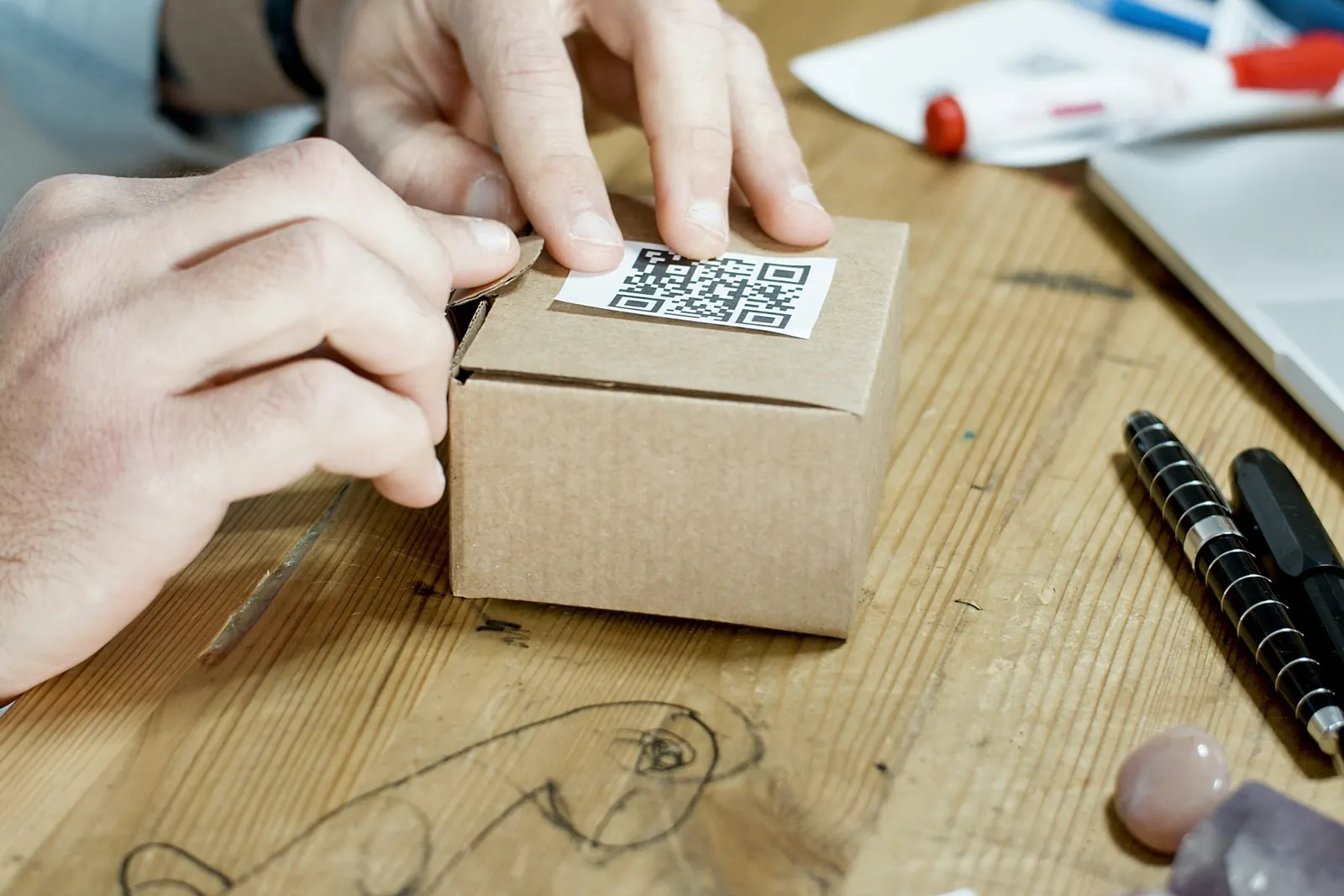
A QR code on your product packaging gives customers information that doesn't fit on the box: instructions, ingredients and sourcing, videos, a reorder link or a review page. You add it to the packaging design or as a sticker, and the customer scans it with a phone camera. Below is why packaging matters, how to make the code and where to put it.
What packaging means
Oxford Languages gives three definitions:
- material used to wrap or protect goods
- the business or process of packing goods
- the presentation of a person or thing in an advantageous way
The third meaning is the one marketers care about.
Why packaging matters

Packaging is more than the box that gets thrown away. It does several jobs at once.
It attracts buyers
Many customers choose a product partly by how it looks. A sturdy box that can be reused for storage, or colours, fonts and graphics that stand out on the shelf, can tip the decision.
It shows what your business stands for
Customers judge a brand by its packaging. If your brand is eco-friendly, corrugated boxes or kraft paper make that visible. Some brands go further and use seed paper that can be planted after use.
It explains the product
Packaging tells customers whether a product is organic, suitable for children or hazardous. Medicines, shampoos, cosmetics and food often carry instructions, and food packaging includes nutrition information.
It protects the goods
Fragile products need the right box, and items shipped over long distances may need extra padding such as bubble wrap.
It shows that you care
Neat, sturdy packaging tells customers you took care with their order. A handwritten thank-you note has the same effect. Customers who feel valued are more likely to buy again.
How to create a QR code for your product packaging

A QR code on the box connects the physical product with any page you choose, from detailed product information to a how-to video.
1. Choose the page to link
Decide where the code should lead: the product page on your website, a blog post, a video or a social media post. Open the page and copy its address from the browser's address bar.
2. Create the code
Sign up at qr-cloud.com (the free plan needs no credit card) and create a new QR code. Give it a name, choose the URL type and paste your link.
3. Customise the design
Change the foreground and background colours and add your company logo so the code matches your brand. Keep the code darker than the background, or phones may not read it.
4. Test before printing
Scan the code with more than one phone to check that it opens the right page. Test a printed sample at the real size, on the real material if you can.
5. Add it to your packaging
Download the code (SVG stays sharp at any size) and place it in your packaging design, or print it as a sticker.
For packaging, a dynamic QR code is usually the better choice. Boxes are printed in large runs and stay in circulation for a long time. With a dynamic code you can change the destination later, for example when a product page moves, and you can see how often the code is scanned.
Where to put QR codes on product packaging

Place the code where customers will notice it:
- as a sticker that also seals the box
- next to the other product information on the packaging
- inside the lid, where the customer sees it when opening the box
Print it large enough to scan easily and keep a blank margin around it. Add a short line that tells people what they get, such as "Scan for the setup video". If you also show the code in a video ad, keep it on screen long enough for viewers to scan it.
Summary
Good packaging attracts buyers, protects the product and shows customers you care. A QR code adds a link to the information, videos or feedback forms that don't fit on the box, and gives customers an easy way to come back to you.


