
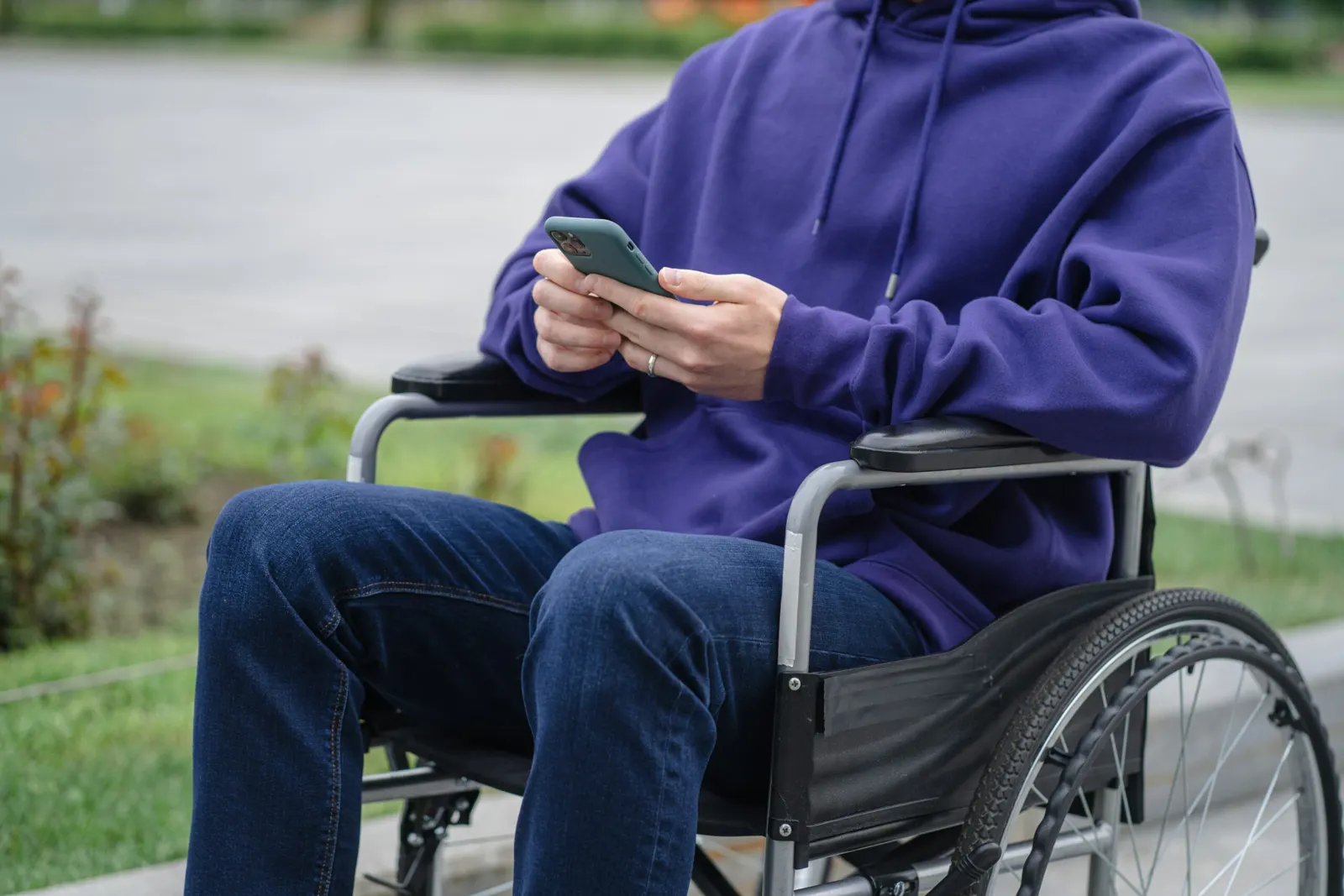
QR Codes can make printed information accessible to people with disabilities. A scan opens the same content on a phone, where the user's own accessibility tools take over: a screen reader can read text aloud, captions can accompany a video, and text can be enlarged. This article covers how that works for different disabilities and where QR Codes fall short.
Many people with disabilities have trouble with information that others take for granted. Someone with low vision may not be able to read small print. Someone who is deaf may miss a spoken announcement. Mobility impairments, cognitive impairments and learning disabilities also affect how people get to information and services, especially when it is offered in only one format.
A QR Code is a square, two-dimensional barcode that a smartphone camera can read. It usually contains a web address that opens a page, a video or a file. Because the content then appears on the user's own device, it works with the assistive technology they already use, such as a screen reader or text-to-speech software.
How QR Codes Help People with Disabilities
Anyone with a smartphone can scan a QR Code to open, download or listen to the content behind it. Here are the main uses.
Accessing printed materials
People with visual impairments can scan a QR Code on a product label, a set of instructions or a letter and have the linked text read aloud by their phone. This lets them understand and use the product without help.
Improving navigation
Unfamiliar buildings can be hard to find your way around, especially with a disability. A QR Code at the entrance can open a building layout, the location of accessible entrances or the emergency procedures. People with mobility impairments can check where to go before they set off.
Providing access to digital content
A QR Code can link to any kind of digital content, including captioned videos, audio recordings and interactive guides. This lets organisations offer the same information in several formats.
Supporting other languages
The page behind a QR Code can offer the information in several languages, so visitors who don't speak the local language can still follow it.
Enhancing independence
Many people with disabilities prefer to do things on their own. When information is available through a QR Code, they don't have to ask staff or strangers to read a sign or explain a process.
QR Codes for Different Disabilities
QR Codes for people with disabilities don't solve every accessibility problem, but they can be adapted to different needs:
For people with visual impairments. Screen readers and text-to-speech software can read the linked content aloud. Place codes in a consistent position, such as next to a tactile marker, so people can find them.
For people with hearing impairments. A QR Code can link to a transcript of an audio guide, a captioned video or a sign-language version of the information.
For people with physical disabilities. QR Codes can show where the wheelchair ramps and lifts are, or the nearest accessible restroom. People can find their way around an unfamiliar place without looking for staff.
For people with cognitive disabilities. A QR Code can open visual aids, step-by-step instructions or short videos that explain difficult concepts or multi-step processes.
For people with language barriers. The linked page can offer translations, so the information isn't limited to one language.
Potential Concerns and Risks
QR Codes also have drawbacks for people with disabilities:
Familiarity: Some people have never used a QR Code. Organisations that rely on them should explain how to scan one and what the user gets from it.
Devices: Not everyone owns a smartphone, and some older phones can't scan QR Codes without an extra app. Keep the information available in another form as well.
Security: A QR Code itself can't carry a virus, but it can link to a malicious website that tries to steal personal data, such as a phone number or bank details. Users should check the web address that appears before opening it, and organisations should only use codes that point to their own domain.
Accessible destinations: A QR Code is only as accessible as the page it opens. The page should work with screen readers, use readable font sizes and caption its videos.
What Could Come Next
These developments could make QR Codes more useful for people with disabilities:
More codes in public spaces. Stations, museums and public buildings could add QR Codes that describe the place and its accessibility features.
Combination with other technologies. QR Codes could be combined with augmented reality or AI tools that describe surroundings or adjust content to the user.
Content tailored to specific disabilities. Codes could lead to audio descriptions for people with visual impairments or plain-language versions for people with cognitive disabilities.
Use in more sectors. Education, healthcare and emergency services already use QR Codes, and other sectors could follow so that people need less outside help.
Better design guidance. Standards for code size, colour contrast and placement could make codes easier to find and scan.
Summary
A QR Code turns printed information into something a phone can read aloud, caption, translate or enlarge. Used with accessible landing pages and placed where people can find them, QR Codes give people with disabilities more independent access to information and services.


