
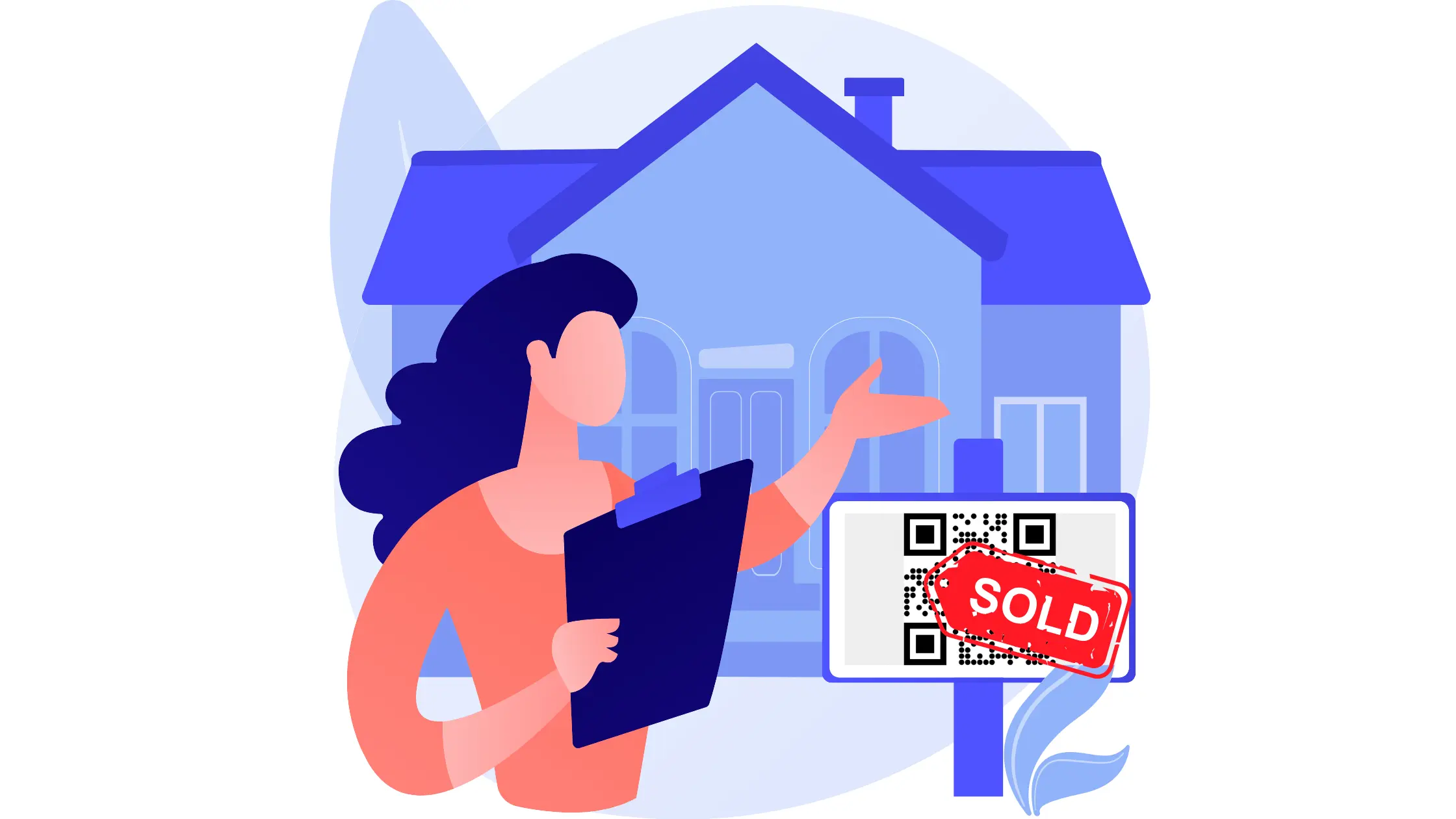
A real estate QR code connects a yard sign, flyer, window display or print ad to more information about a property: photos, a video or virtual tour, the location, a PDF exposé or the agent's contact details. Buyers scan it with their phone camera and see the listing on the spot, even outside office hours. Below are the most useful places to use one and how to create it.
What is a QR code?
A Quick Response (QR) code is a square barcode invented in Japan in the 1990s by Masahiro Hara, an engineer at Denso Wave, to track parts in manufacturing. It holds far more data than a regular barcode, usually a web address. Most smartphones read QR codes directly with the camera app.
For real estate, the important distinction is between static and dynamic codes. A static code stores the link directly and can't be changed. A dynamic code stores a short link that you can point to a different page later, which matters once a property is sold and the same sign goes up at the next one.
How to use QR codes in real estate
On your business card (vCard)
Put a vCard QR code on your business cards. Scanning it saves your name, phone number, email and website to the buyer's contacts, so they can call or message you later without typing anything.
On posters, yard signs and print ads
Posters and print ads have room for a photo, a price and a phone number. A QR code adds the rest: a description, more photos, a video, the location or a virtual tour. Yard signs are especially useful, because people often drive past outside viewing hours.
On social media graphics
Graphics you post on social media or send as images in messaging apps can also carry a QR code. It helps when someone sees the image on a computer and wants to open the listing on their phone.
Property videos
Link a code to a video of the property's exterior, interior and surroundings.
Location
A location QR code opens the property in a map app, so buyers can check the neighbourhood or plan a visit.
Newspaper ads
Print space is expensive. A small code in a newspaper ad can lead to the full listing, so the ad itself can stay short. Add a clear call to action, such as "Scan for photos and floor plan", and test the code on newsprint before the ad runs.
PDF brochures and exposés
Instead of printing a brochure for every visitor, save it as a PDF and link it to a QR code. You can still print a few copies for people who want paper.
Photo gallery
A code can open a gallery with all the property photos, which saves buyers searching for the listing on a portal.
Virtual tours
Buyers who live far away, or who want to see the property again after a viewing, can use a virtual tour. You can link a code to a walkthrough video or a 3D interactive tour.
Open house registration
Put a code on the open house invitation or at the door that opens a sign-up form. You get the visitors' contact details without a paper list, and they can register before the event.
Applications and payments
A code can also open an online application form or a payment page for deposits or fees, so tenants and buyers can submit things from their phone.
How to create a QR code for real estate
These steps use QR Cloud; other generators work in a similar way.
- Sign up and open the dashboard. The free plan needs no credit card.
- Create a new QR code and give it a name, such as the property address, so you can find it later.
- Choose the QR type. Use one code per purpose: URL for a listing, gallery or virtual tour, vCard for your contact details, location for the map. For signs you'll reuse, choose a dynamic code so you can change the destination.
- Customise the design. You can change colours and add your agency logo. Keep the code dark on a light background, and don't let the logo cover too much of it.
- Test it. Scan the printed code with an iPhone and an Android phone, at the distance people will see it, for example a yard sign from the pavement.
- Download and publish. Download PNG or SVG and add it to your signs, flyers, print ads or videos, with a short call to action next to it.


