
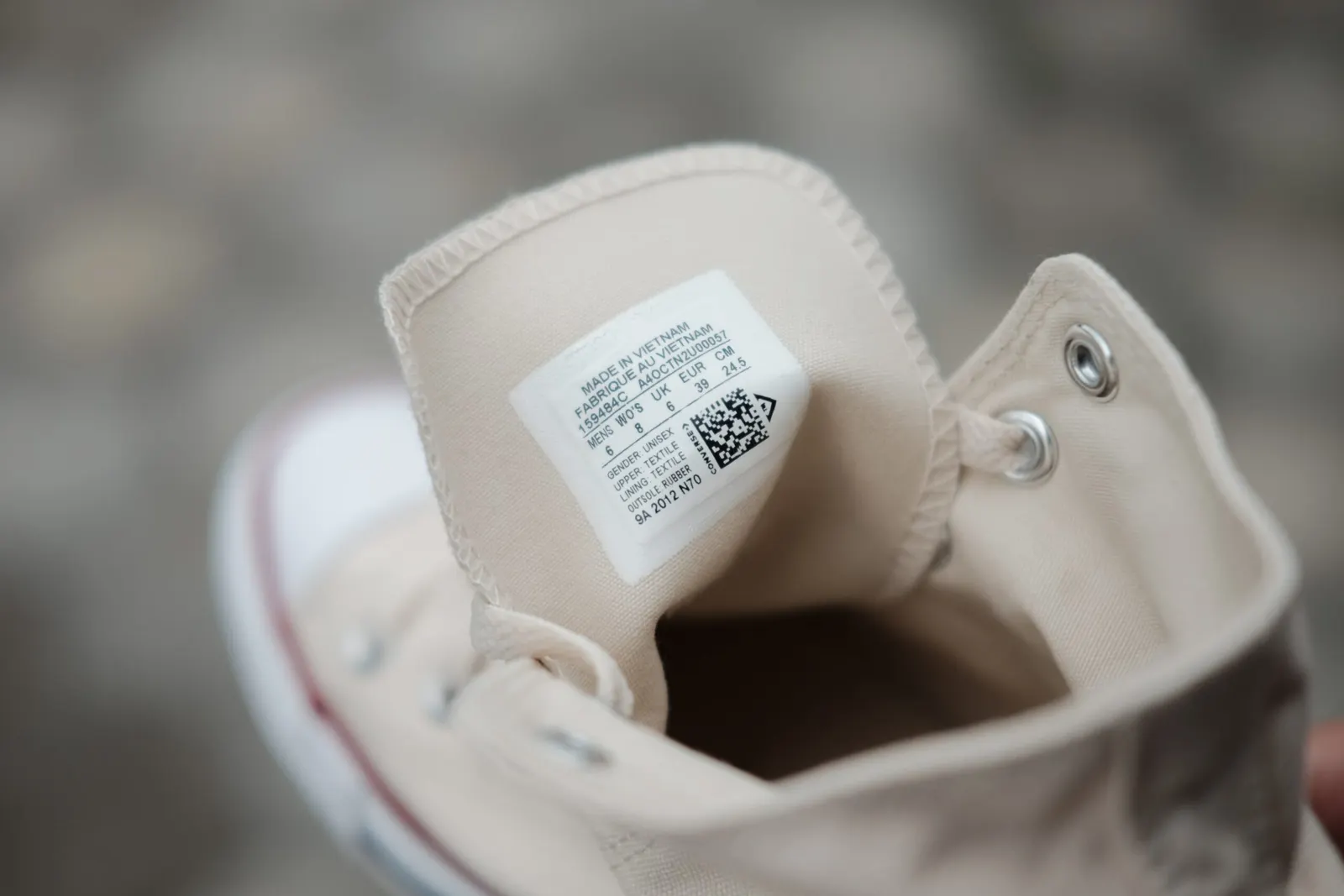
A QR code on a clothing tag links a garment to information that doesn't fit on the label: what it is made of, how to care for it, where it was produced, and where to leave a review or ask a question. You print the code once, and with a dynamic code you can change the page it opens later. That makes it a useful tool for brands that want to show customers how their clothes are made.
Why sustainability puts pressure on fashion brands
The fashion industry has a large environmental footprint. Many modern textiles are made from petrochemical products supplied by the same industry that drives greenhouse gas emissions (Dottle and Gu, 2022). When synthetic clothes are washed or discarded, they can shed microplastics that harm marine life.
Customers increasingly ask how their clothes are produced. Some brands have responded by using recycled materials and "ecologically grown cotton" for garments and footwear, as Dottle and Gu (2022) describe. A QR code on the tag is one way to tell customers about those choices without printing more paper.
QR code basics
QR stands for Quick Response. A QR code is a square pattern of dark modules on a light background, with three larger squares in the corners that help the phone find and align it. Many codes also carry a small logo in the middle.
Denso Wave, a Japanese company in the automotive industry, developed the QR code to track parts in manufacturing. Early codes needed special scanners. Today most smartphones read them directly with the camera app.
Why QR codes work on clothing tags
Room for more information
A tag has space for a size, a fibre list and a few care symbols. A QR code can open a page with the full story: how to wash and repair the item, how to recycle it, what the brand stands for, or a voucher for the next purchase.
Low cost
A basic QR code costs nothing. On qr-cloud.com you can sign up for the free plan and create a static or dynamic code for your clothing or tags.
A direct line to customers
A code on the tag can let customers leave reviews, send feedback on a product, or contact customer service for help or styling advice.
Less printed material
Brochures and other promotional publications use paper and ink, and they have to be shipped and reprinted when the information changes. A QR code can be printed on the tag or on the garment itself, or embroidered. Use a dynamic QR code here so you can update the content and see how often it is scanned.
Part of the design
A QR code can also be a visible design element, for example on a T-shirt print. It can link to your brand story, styling ideas or care instructions.
What to link from a clothing tag
Product details
Explain what the garment is made of, where it was produced and anything else your customers care about.
Your collection
Link to a gallery or online shop where customers can browse other designs.
Your company
Send customers to your About page, where you explain who you are, what you stand for and what you sell.
Discounts and giveaways
Reward repeat customers with discounts and giveaways. Create a code for the offer page and print it on the tag or the packaging.
Customer support
Customers will have questions about fit, care or returns. Link the code to your contact details or customer service email so help is one scan away.
Your shopping app
If you have a shopping app, a code on the tag can take customers to the download page so they can order again from home.
Reviews and feedback
Good reviews help new customers decide. Link a QR code to your review or rating form so customers can respond while the purchase is fresh.
New arrivals
Link to a page that features your newest items and update it each season. With a dynamic code, the printed tag keeps working when the page changes.
Social media
Many people discover fashion brands on social media. A code that opens a specific post or your profile makes it easy for customers to follow you and comment.
How to create a QR code for clothing tags
You can make the code with QR Cloud in a few steps.
1. Choose a QR code type
Decide what the code should open, such as a social media page, a review form, contact details, a photo gallery or your store app.
2. Enter the content
Depending on the type, paste a link or enter the text or contact details.
3. Customise the design
QR Cloud lets you change the colours and add your logo. Keep the code dark on a light background. A light code on a dark background is harder for some phones to read.
4. Test it
Scan a printed sample with more than one phone before you order tags. Fabric and embroidery blur the edges of the modules, so test on the real material if you can.
5. Download and print
Download the code (SVG stays sharp at any size) and add it to your tag design or the garment.
6. Add a call to action
Optionally, add a short line next to the code, such as "Scan for care tips", so customers know why they should scan it.
7. Track scans
Dynamic QR codes show you how often each code is scanned and from which countries and devices. That tells you which products and messages get attention, and you can change the destination without reprinting.
Summary
A QR code on a clothing tag gives customers product, care and brand information without extra paper, and gives you a direct channel for reviews and questions. Start with one product line, use a dynamic code, and check the scan statistics before you roll it out further.


